Vehicle Speed Test Online
Check Your Live Speed
Use your phone’s GPS to see how fast your vehicle is moving in km/h, mph, m/s, or knots. No app, sign-up, or special sensor is required.
0km/h
GPS GROUND SPEED
LIVE GPS SPEED
0
km/h
0
km/h
MAX0km/h
DISTANCE0.00km
TIME00:00:00
Live speed timeline
Latest 90 readings
Speed over time
Current0km/h
Minimum0km/h
Average0km/h
Maximum0km/h
Gauge appearance
Switch instantly while trackingChoose your speedometer style
Use only when it is safe. Never interact with the screen while driving.
CHOOSE YOUR VEHICLE
Open a speed test made for your journey
🚗→🏍️→🚆→🚌→🚴→🚢→✈️→
Car Speed Test
Live GPS speed and trip statistics
Motorcycle Speed Test
Live GPS speed and trip statistics
Train Speed Test
Live GPS speed and trip statistics
Bus Speed Test
Live GPS speed and trip statistics
Bike Speed Test
Live GPS speed and trip statistics
Ship Speed Test
Live GPS speed and trip statistics
Flight Speed Test
Live GPS speed and trip statistics
How to run a vehicle speed test
Put the phone where it has a clear view of the sky, tap Start, and allow precise location access when your browser asks. Once the vehicle begins moving, the large dial shows current GPS speed while the trip panel records useful figures such as maximum speed, average speed, distance, and travel time.
The reading normally becomes steadier after several seconds of continuous movement. If it stays at zero, step outdoors, check that location services are enabled, and turn off any battery-saving setting that restricts GPS. Inside a tunnel, underground station, aircraft cabin, or between tall buildings, short delays are normal.
Which mode should you choose?
The live meter above works for any moving vehicle. The dedicated modes add context for common journeys: car and motorcycle pages use familiar road units, the bike mode is suited to cycling, the train and bus modes are useful for passengers, the ship page supports knots, and the flight page helps passengers compare ground speed during a trip.
A browser-based vehicle speed test is particularly handy when a dashboard display is difficult to read, when you are curious about the speed of public transport, or when you want a quick second reading without installing another app. It should not replace a vehicle’s certified speedometer, navigation equipment, or safety instruments.
QUICK START
Get a cleaner GPS reading
Tap Start and allow precise location
Wait for a reliable GPS signal outdoors
Keep the device secure and let a passenger read it
What the numbers actually tell you
Current speed reacts to your latest GPS updates. Maximum speed is the highest reading recorded during the session, while average speed smooths the full trip into one figure. Distance and elapsed time help put those readings in context. You can reset the session before a new journey so old values do not mix with the next test.
GPS speed and a dashboard speedometer may differ slightly. Vehicle dashboards calculate speed from wheel rotation and are often calibrated conservatively. GPS calculates movement between satellite-based positions. Tire size, signal quality, sharp turns, rapid acceleration, and the device’s update rate can all create a small gap between the two.
FAQ
Vehicle speed test questions
What is a vehicle speed test?
A vehicle speed test uses your phone or tablet GPS to estimate how fast you are moving. It is useful for checking current speed and comparing the reading with a dashboard or onboard display.
Can I test speed without installing an app?
Yes. SpeedyMeter runs in a modern browser, so there is no download or account required. Open the page, tap Start, and allow precise location access.
Does the test work for cars, buses, trains, bikes, and boats?
Yes. GPS measures movement over the ground, so the same live tool can be used across different types of transport. Boats can also switch to knots.
Is a phone GPS speedometer exact?
It is an estimate rather than a certified instrument. Accuracy improves outdoors with a clear view of the sky and steady movement. Tunnels, tall buildings, weak reception, and power-saving modes can cause delay.
Can a passenger use this speed test?
Yes. A passenger can use it safely while another person drives. A driver should never hold or operate a phone while the vehicle is moving.
SpeedyMeterSmart GPS Speedometer
FREE GPS SPEEDOMETER APP
Track Speed.
Every Adventure.
Install the free SpeedyMeter app and turn your phone into a professional GPS speedometer with live tracking, trip statistics and a clean full-screen experience.
⌖Real-time GPSAccurate live tracking
🚗Multiple VehiclesSix dedicated modes
▥Smart StatisticsSpeed, time and distance
▣HUD ModeMade for safe viewing
⌁Works OfflineLaunch from home screen
✓100% FreeNo account required
★★★★★
Fast, private and lightweight
Available on Android, iPhone, iPad and desktop
SpeedyMeter⚙
AnalogDigitalHUD
Strong signalHigh (9 m)
96km/h
MAX SPEED128
AVG SPEED72
DISTANCE12.45
DURATION16:48
Elevation1,234 m
⌂Home🚗Car🏍Motorcycle✈Flight
Install on any deviceAndroid · iOS · Desktop
FROM THE BLOG
Latest GPS and travel articles
Practical guides, safety tips and explanations written for SpeedyMeter users.
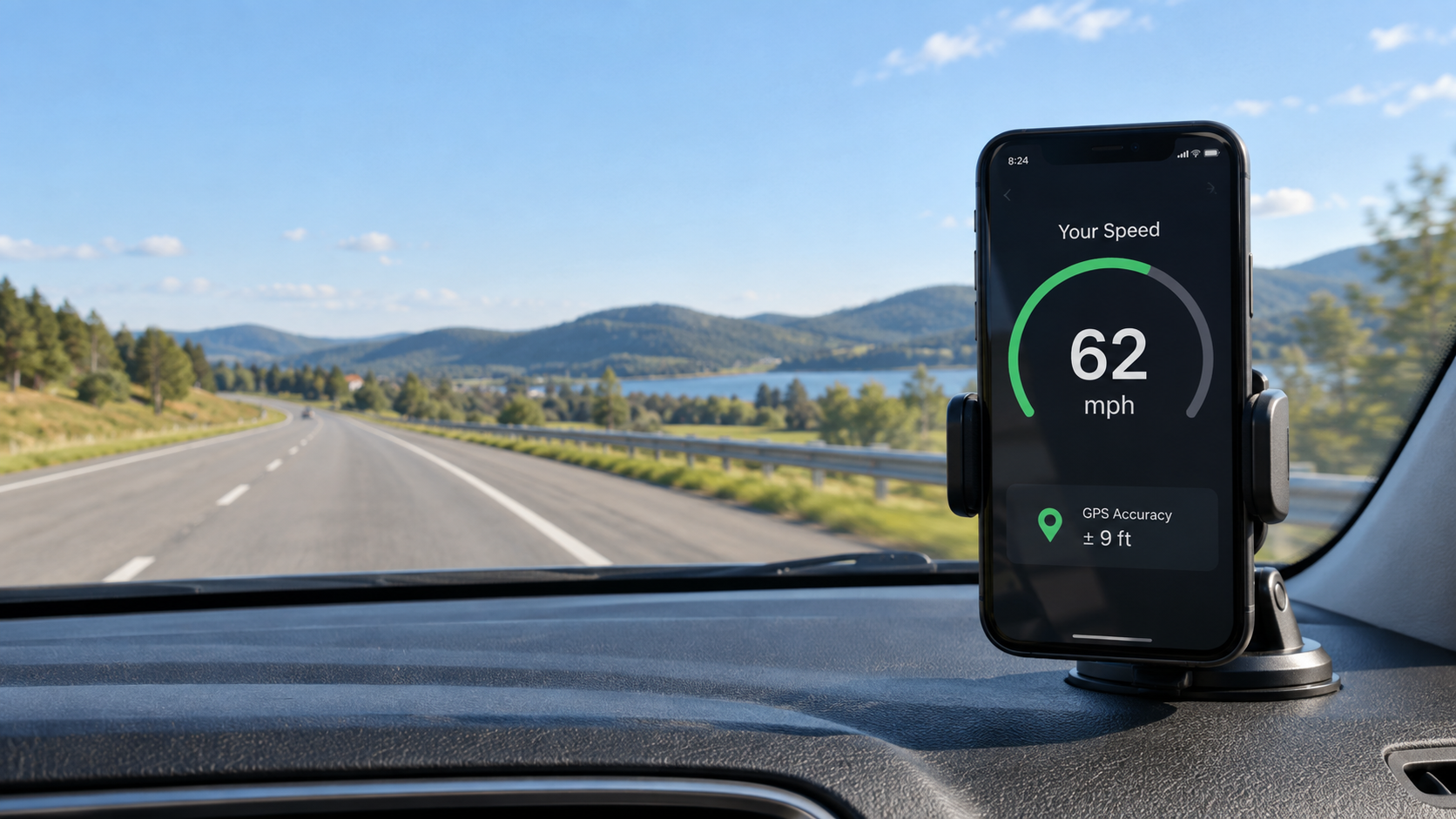
GPS Guides
Phone GPS Speed Accuracy at Low and High Speeds
Phone GPS speed can behave differently while walking, cycling or driving. Learn when readings are reliable, why they lag, and how to test safely.
Read article →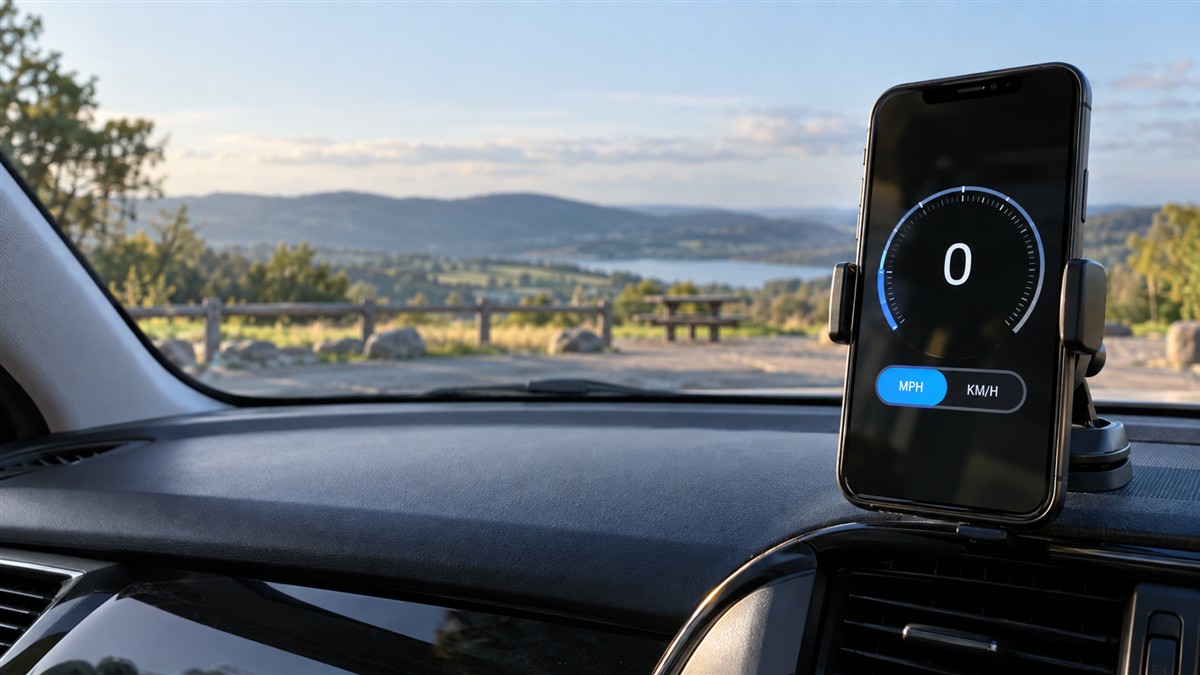
GPS Guides
GPS Speedometer in MPH and KM/H: Read and Convert Speed
Learn how a GPS speedometer displays MPH and KM/H, switch units on your phone, convert common speeds, and avoid mistakes that make readings look wrong.
Read article →
Flight
How Fast Is My Plane Going? Check Flight Speed on Your Phone
Check your plane’s approximate ground speed on your phone, understand GPS limits in the cabin, and see why ground speed differs from airspeed.
Read article →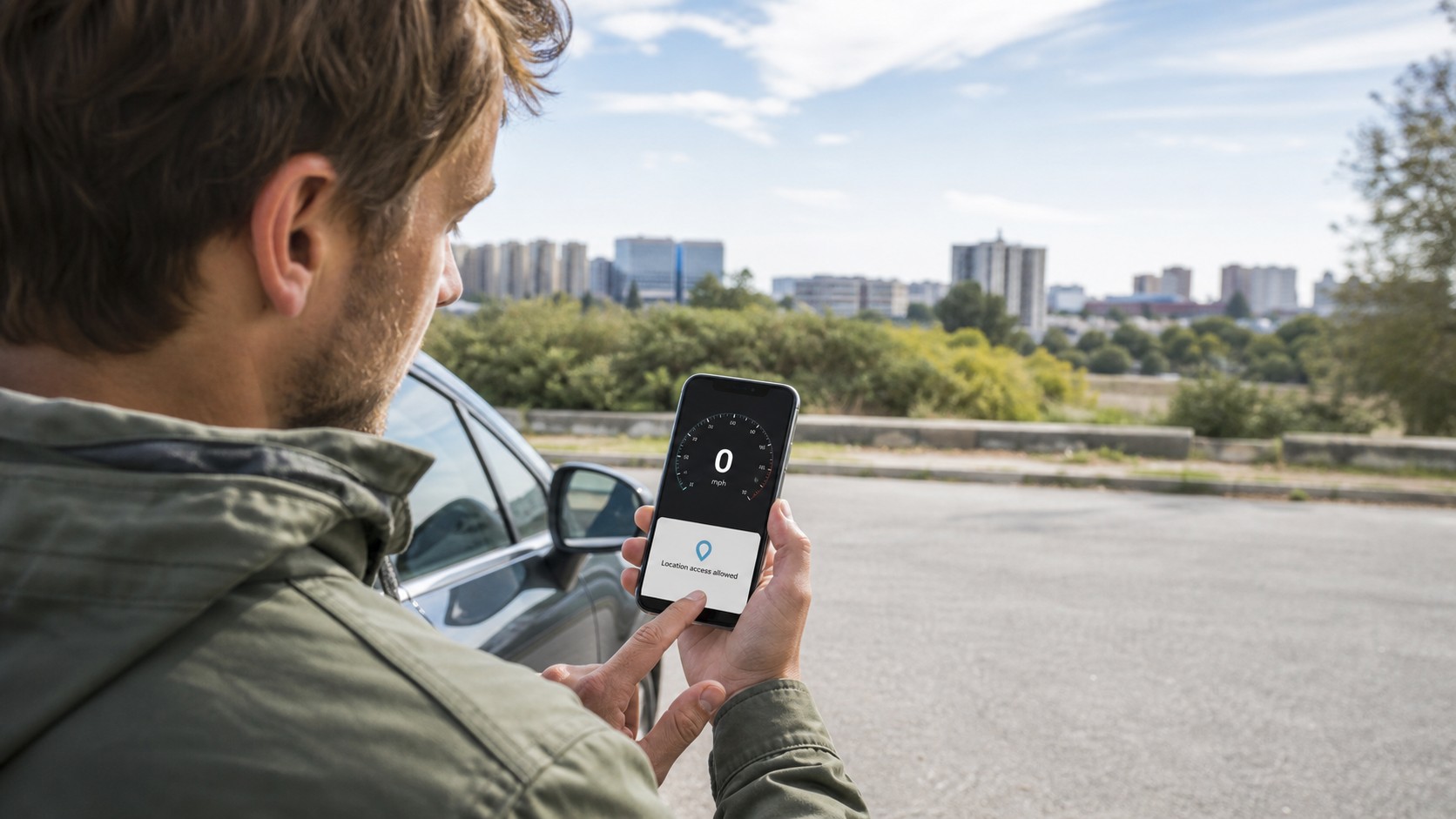
GPS Guides
Online Speedometer Not Working? Fix GPS and Location Problems
Online speedometer stuck at zero? Fix browser location permission, precise GPS, weak signals and phone settings with this practical checklist.
Read article →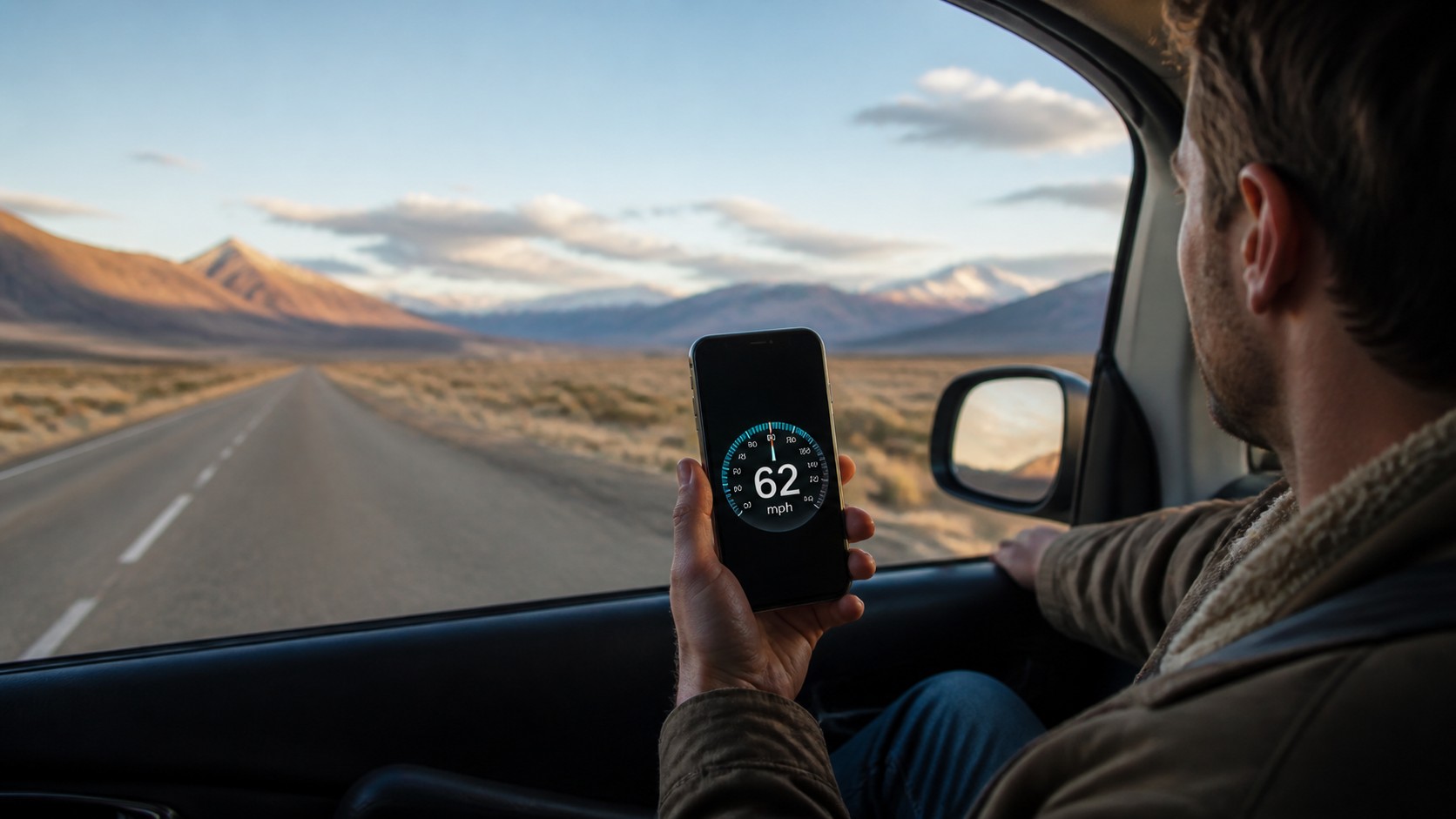
GPS Guides
Does a GPS Speedometer Work Without Internet?
Yes, GPS speed can work without mobile data. Learn what still works offline, what must load first, and how to get a reliable phone speed reading.
Read article →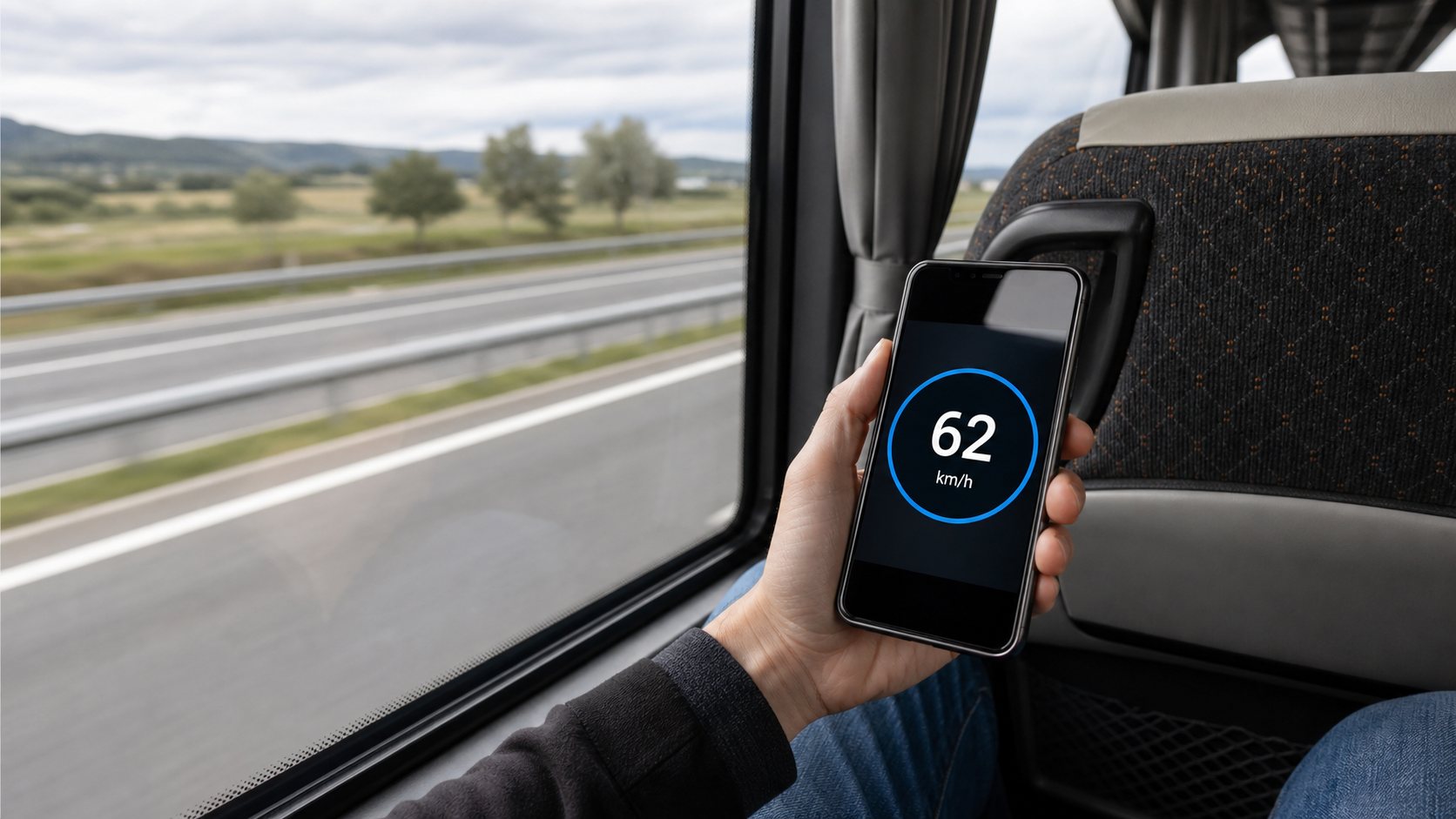
Bus
How Fast Is My Bus Going? Check Bus Speed Live
See how fast your bus is going with a live GPS speedometer. Follow quick phone steps, fix zero readings and understand bus speed accuracy.
Read article →