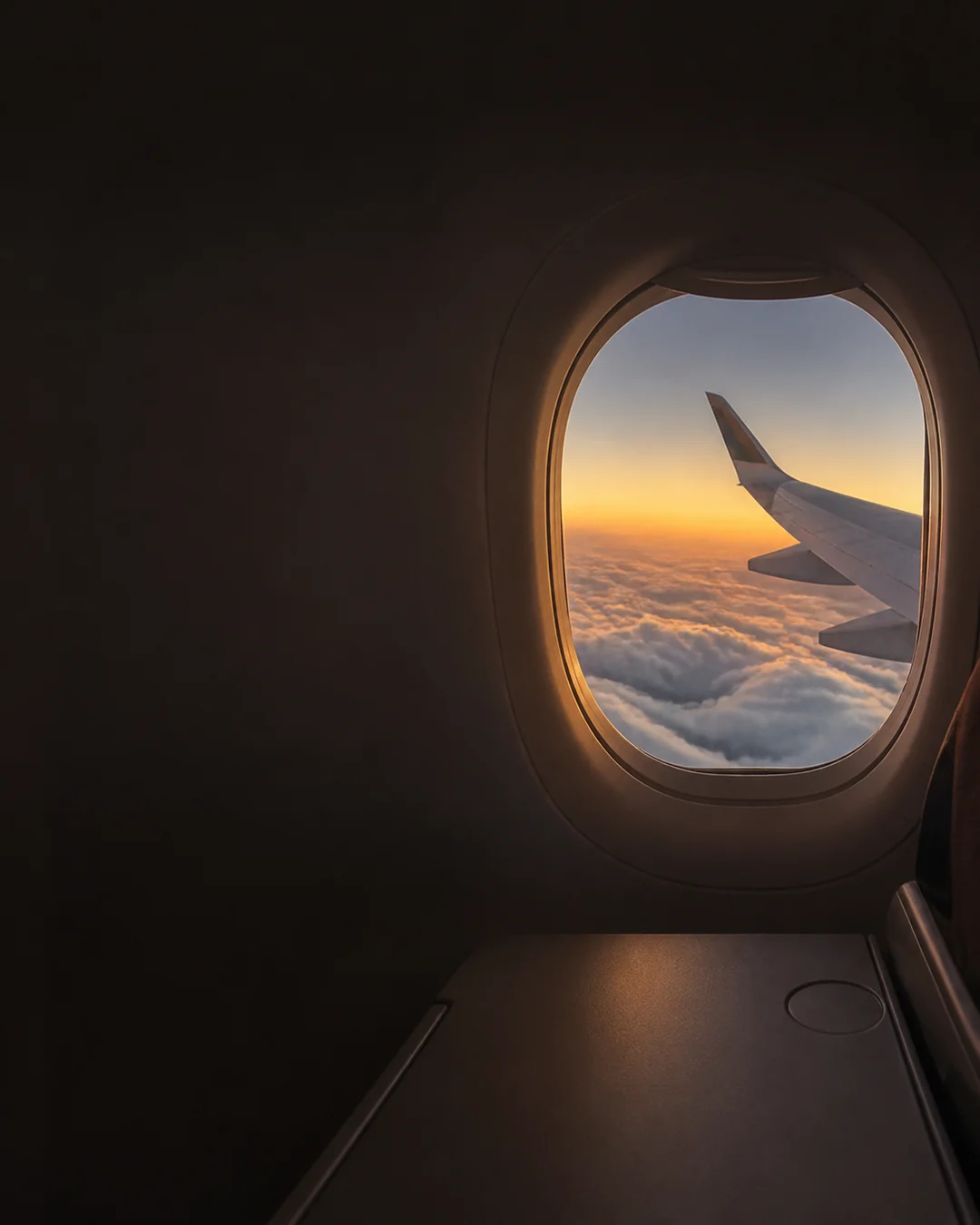

How fast is my plane going? If your phone can get a usable GPS fix, open the SpeedyMeter Flight Speedometer, allow location, tap Start, and read the ground speed. That is your aircraft's speed across the Earth—not the speed of air flowing over its wings. From a middle seat, or with no satellite signal, the honest result may be a blank reading or zero.
You do not need to know the flight number or install another app. You do need a phone with location services, a browser that is allowed to use them, and a little luck with reception. Here is the practical way to try it without treating a passenger phone like cockpit equipment.
How to check your flight speed on your phone
- Open the page before connectivity disappears. While you have a connection, load the live plane speed test. If your device offers to install SpeedyMeter, that can make the tool easier to reopen, but do not assume every browser will keep an uncached page available offline.
- Follow the crew's device instructions. Use airplane mode when required. Keep location services enabled if your device and airline permit it. Airplane mode changes wireless connections; it does not make a cabin GPS fix certain.
- Choose a window seat if possible. Once it is safe to use your phone, hold it naturally near the window for a short test. Do not press it against the glass or leave it unsecured.
- Allow location and tap Start. If the website permission was previously denied, change the browser's site permission first. Keep the page visible while it searches for a fresh position.
- Read the number and its unit. The Flight Speedometer can display km/h, mph, knots, or m/s. It also shows GPS status and accuracy, so you can tell a live reading from a poor fix.

If the gauge stays at zero for a while, do not read that as the aircraft stopping. Your phone may simply have no current location. Our GPS and location troubleshooting guide walks through permissions and signal checks that also matter before a flight.
What number are you actually seeing?
A phone GPS speedometer measures motion over the ground. Pilots also use airspeed, which describes motion through the surrounding air. Wind makes those two numbers diverge. With a tailwind, ground speed can be higher than airspeed; into a headwind, it can be lower. The FAA's explanation of airspeed and ground speed makes this distinction clear.
Imagine the aircraft moving through the air at the same airspeed on two flights. A strong tailwind on one route and a headwind on the other can give passengers quite different phone readings. Neither reading tells you whether the aircraft is flying unsafely. It tells you how quickly the plane is crossing the map at that moment.
For a quick sense of scale, 800 km/h is about 497 mph or 432 knots. The unit changes; the journey does not. SpeedyMeter's unit buttons make that comparison easier than mentally converting a cabin-map display.
Why a phone may show zero during a real flight
Satellite reception in an aircraft is inconsistent. A metal fuselage, your seat position, the angle of the phone, and the window can affect how much sky the receiver effectively sees. Even on a window seat, you may get a reading only intermittently. GPS.gov notes that speed accuracy depends on local conditions and that blocked or reflected signals can degrade positioning.
- No location permission: the browser cannot request a fix at all. Check both the phone's location setting and the website's permission.
- Page loaded without a connection: an ordinary browser page that was never cached may not open. Load it in advance; see whether a GPS speedometer works without internet.
- Poor cabin reception: try a window seat and give the receiver a little time. Do not wave the phone around or disturb another passenger.
- Old or uncertain fix: wait for the GPS status to improve. A delayed number is not a live reading.
- Page in the background: leave the speedometer visible while testing; phones may limit location updates to background tabs.
Do not repeatedly change settings during takeoff or landing. If the crew asks you to put devices away, that instruction takes priority. A cabin map or the airline's entertainment screen is a perfectly good alternative when your phone has no fix.
Does airplane mode stop GPS speed tracking?
Airplane mode and GPS are different things, but the practical answer depends on your phone, browser, settings, and the airline's rules. Apple explains what airplane mode changes; it does not promise that a website will obtain a satellite fix inside an aircraft. Your phone may still be able to determine location, yet the metal cabin or a denied browser permission may prevent a usable speed reading.
There is a second distinction: loading a website needs access to its files; receiving satellite positioning is a separate step. If you will be offline, open the page before departure and check whether it remains available on your particular device. Do not promise yourself a live meter solely because the page loaded once. Our offline GPS guide explains the limits in more detail.
What about the altitude and the airline's flight map?
The Flight Speedometer can show GPS altitude when the phone provides it, but a passenger device's altitude is especially vulnerable to weak reception. It should not be used as a substitute for an aircraft instrument. Likewise, the airline's moving map and your phone can update at different times or display different units. A short disagreement is not, by itself, evidence that either device is broken.
For a meaningful comparison, check that both displays say ground speed, use the same unit, and refer to roughly the same moment. If you want to understand how much confidence to place in a phone reading, read our GPS speedometer accuracy guide.
A good test to try on your next flight
Before boarding, open SpeedyMeter's flight page and grant location access. At a window seat, and only when device use is allowed, tap Start, leave the phone still, and watch the GPS status for a short period. If a stable number appears, switch between km/h and knots and notice how the figure changes. If nothing appears, you have learned something about reception in that seat—not the aircraft's actual speed.
The enjoyable part is comparing the ground-speed changes as your route and the winds change. The useful part is understanding what the number means. It is a travel curiosity and a personal estimate, not a navigation or safety instrument.
Quick questions
Can I see my plane's speed without a flight number?
Yes, if your phone obtains a current GPS position. The Flight Speedometer uses your device's location rather than a flight number.
Why is my plane speed higher than the number I expected?
Check the unit first, then remember that the phone shows ground speed. A tailwind can raise ground speed without raising the aircraft's speed through the air.
Will it work from an aisle seat?
It might, but reception is usually harder to obtain away from a window. A zero or missing reading is common and does not tell you the plane is stationary.
Is this suitable for flying or navigation decisions?
No. It is a passenger-facing estimate only. Follow crew instructions and rely on certified aircraft instruments for aviation decisions.