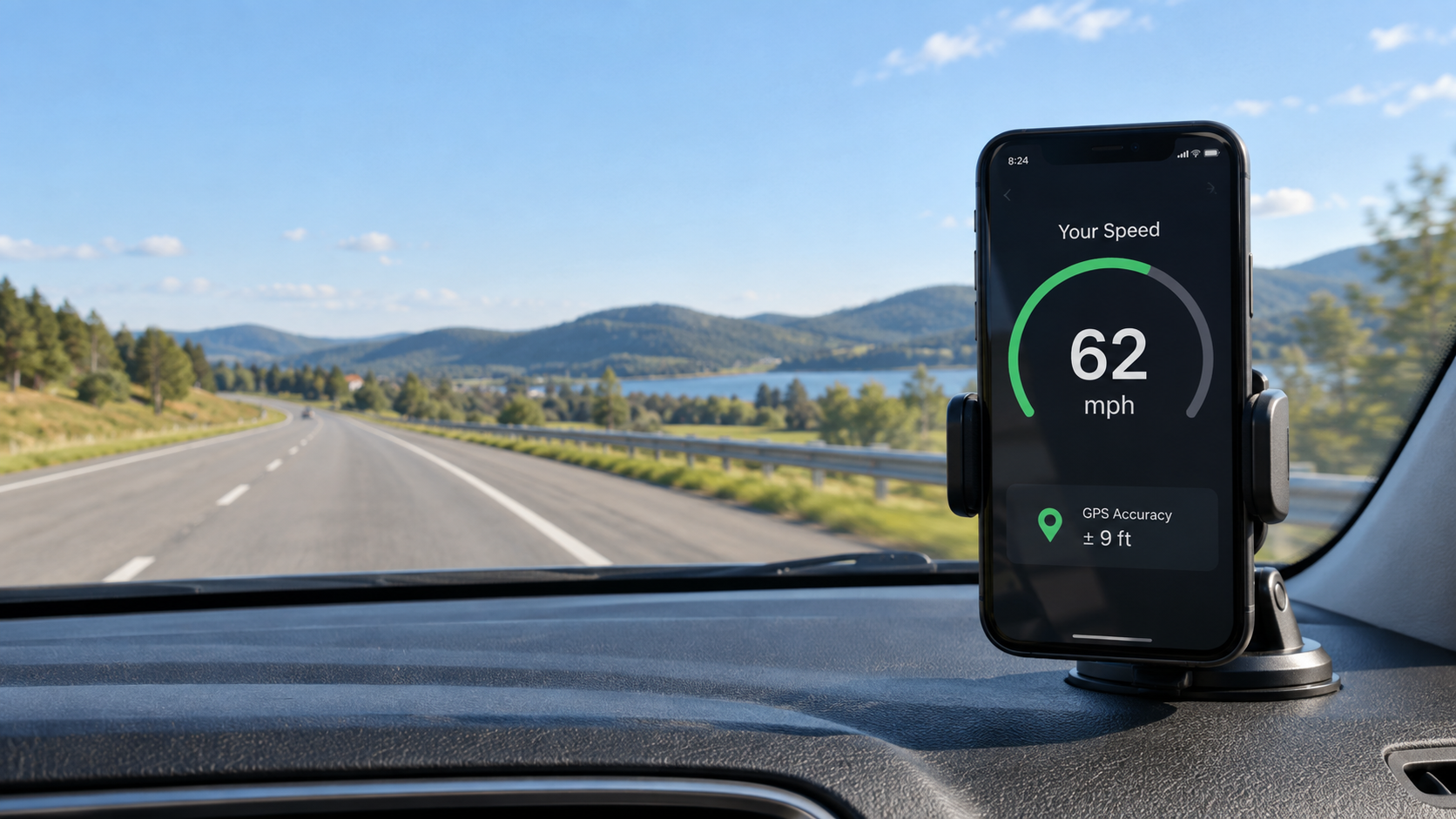
A GPS speedometer in MPH and KM/H is showing the same movement in two different units. Choose MPH when road signs use miles per hour, and KM/H (more formally written km/h) when signs use kilometres per hour. Changing the unit does not change your GPS signal or the accuracy of the reading—it only changes how the number is displayed.
That sounds simple, but it is surprisingly easy to misread a speed when you travel, borrow a vehicle, or use a phone set to another region. This guide gives you the conversions that are actually useful on the road and shows how to check the unit before you assume the speedometer is wrong.
MPH vs KM/H: the quick answer
MPH means miles per hour. It is used on road signs in the United States and the United Kingdom, among a few other places. KM/H means kilometres per hour and is used by most countries.
- 1 mph = 1.609344 km/h
- 1 km/h = about 0.621371 mph
- 60 mph = about 96.6 km/h
- 100 km/h = about 62.1 mph
For a quick mental estimate, multiply MPH by 1.6 to get KM/H. Going the other way, multiply KM/H by 0.62 to get MPH. Those rounded numbers are close enough for understanding a sign or checking a live reading. For an exact calculation, use the full factors above.
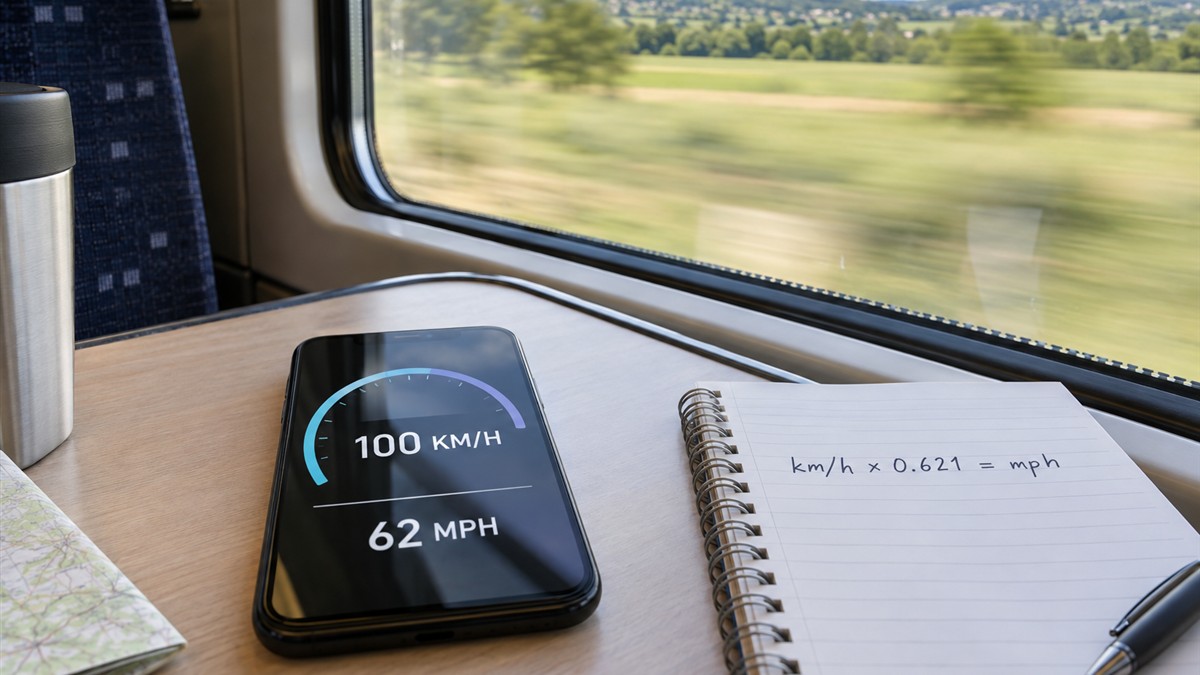
Useful MPH and KM/H conversion table
You rarely need dozens of decimal places while travelling. This table covers common walking, cycling and road speeds:
| KM/H | MPH | Typical context |
|---|---|---|
| 5 km/h | 3.1 mph | Comfortable walking pace |
| 10 km/h | 6.2 mph | Jogging or easy cycling |
| 20 km/h | 12.4 mph | Urban cycling |
| 30 km/h | 18.6 mph | Low urban speed limit |
| 50 km/h | 31.1 mph | Common city road limit |
| 80 km/h | 49.7 mph | Faster regional road |
| 100 km/h | 62.1 mph | Motorway or train speed |
| 120 km/h | 74.6 mph | Higher motorway limit |
Common values in the opposite direction are 30 mph = 48.3 km/h, 50 mph = 80.5 km/h, 60 mph = 96.6 km/h, and 70 mph = 112.7 km/h.
How to change the speed unit on your phone
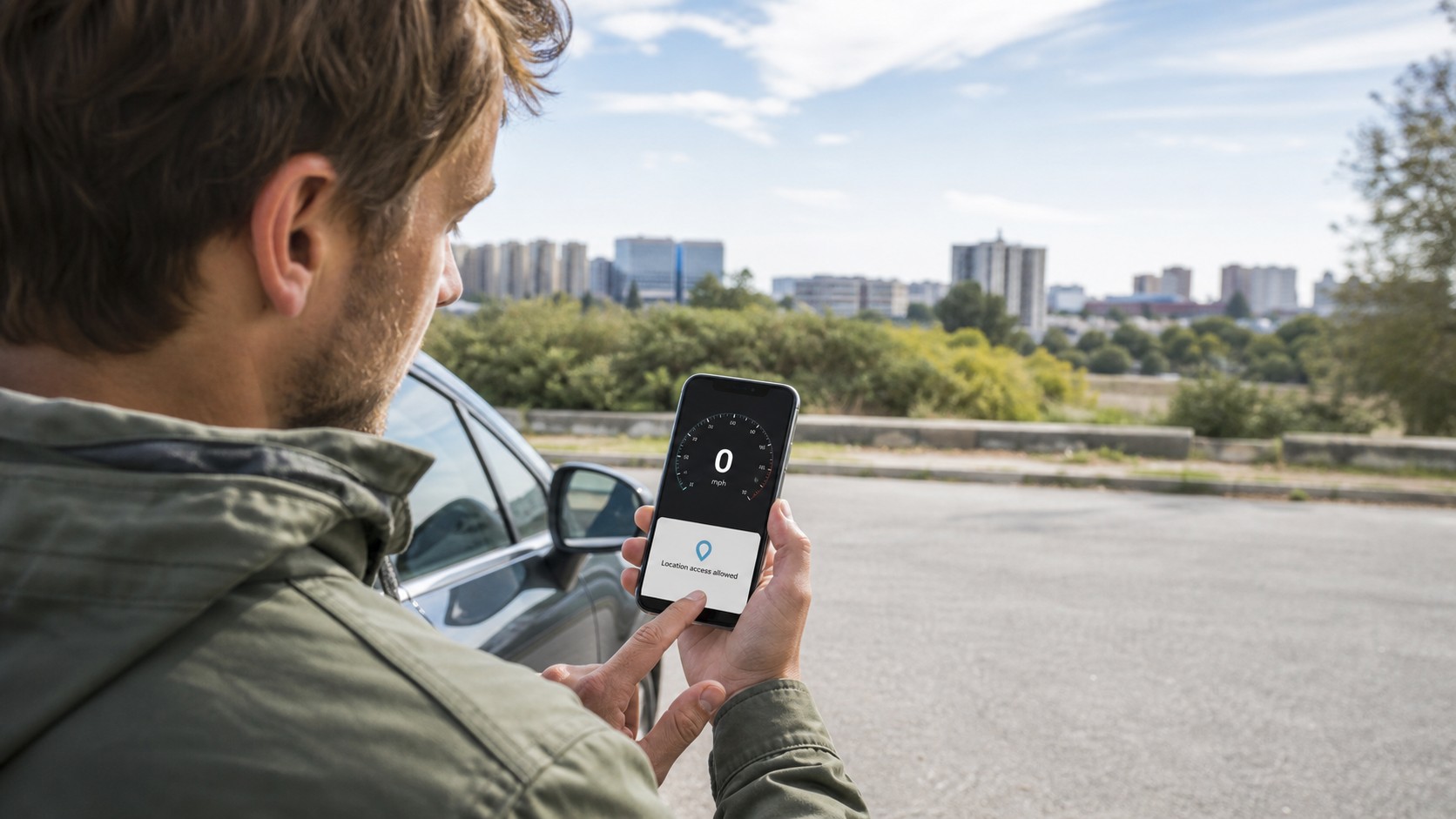
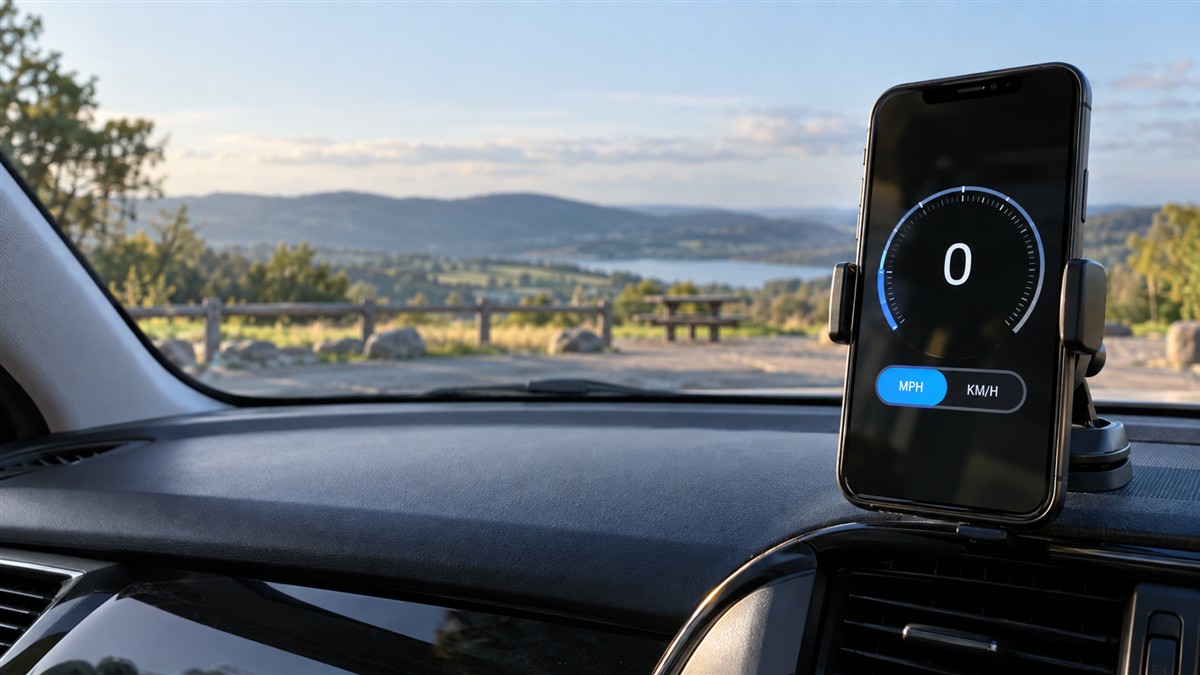
On SpeedyMeter's online GPS speedometer, open the speedometer, allow location access and select the unit you want to see. You can switch units without restarting the trip. The live speed and maximum speed are simply recalculated for the selected unit.
- Open SpeedyMeter outdoors or close to a window.
- Allow precise location when your browser asks.
- Wait for a stable GPS reading before moving.
- Select MPH or KM/H to match the road signs around you.
- If you are driving, set the unit before departure and keep the phone securely mounted. A passenger should handle any changes on the move.
The same principle applies whether you use the car speedometer, check your pace on a bicycle, or measure a train journey. The selected unit changes the number and label, not the underlying movement.
How a browser turns GPS data into MPH or KM/H
A phone browser can receive location data that includes speed in metres per second. The site then converts that value for display: metres per second multiplied by 3.6 gives km/h, while multiplying by about 2.237 gives mph. On some devices the speed value may be unavailable or temporarily blank, especially before the phone has a reliable location fix.
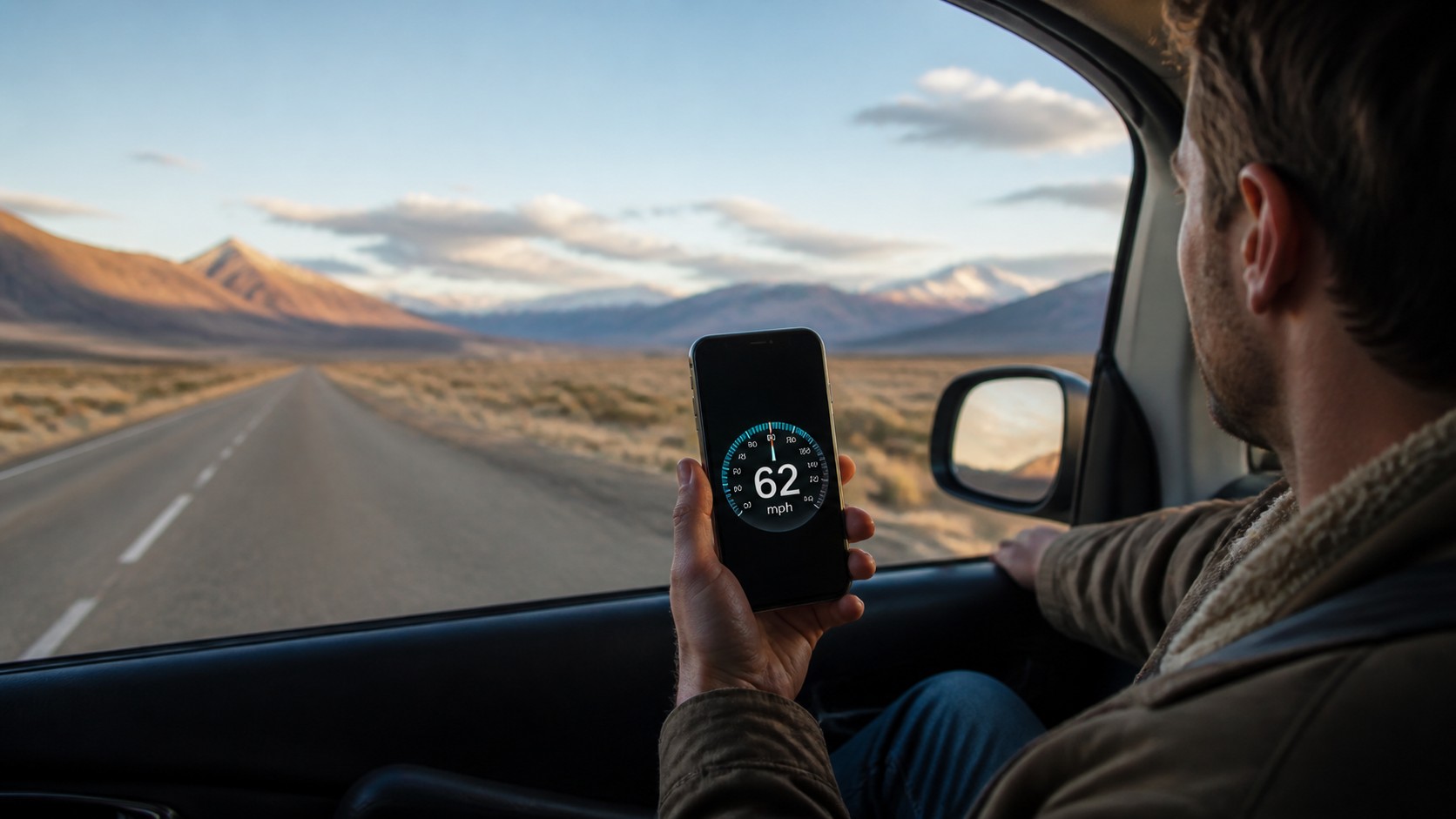
This is why switching from MPH to KM/H cannot make GPS more or less accurate. Both numbers come from the same location reading. If 62 mph becomes roughly 100 km/h, the conversion is working correctly.
Why the number can look wrong
The wrong unit is selected
This is the first thing to check. A display of 60 km/h is only 37.3 mph. If you expected MPH, the value can look much too low even though GPS is behaving normally. Look for the small unit label next to or below the number.
The GPS fix is not ready
When you first open the page, give the phone a few moments with a clear view of the sky. Inside a station, parking garage, tunnel or metal-roofed vehicle, location updates may pause or jump. If the display stays at zero, use our step-by-step guide for fixing an online speedometer that is not working.
You are comparing two different measurement systems
A vehicle dashboard estimates road speed from wheel rotation. A phone uses satellite-assisted location data and updates at its own interval. Tyre size, dashboard calibration, signal quality and rapid acceleration can create a small temporary difference. Compare the readings only after holding a steady speed for several seconds—not while braking or accelerating.
You are moving too slowly for a stable reading
At walking pace, a few metres of location variation can be large compared with the distance actually travelled. A GPS speedometer is much easier to assess at a steady cycling or vehicle speed in open sky. If you want a deeper explanation, see how GPS speedometer accuracy works.
Which unit should you use?
Use the unit printed on local road signs. That keeps the display instantly understandable and reduces the chance of acting on a mental conversion while moving. MPH is the natural choice in the United States and United Kingdom. KM/H is appropriate across most of Europe, Asia, Africa, Australia and the Americas outside the US.
There are a few practical exceptions. Runners may prefer min/km or min/mile in a dedicated fitness app, even if road speed is measured in km/h or mph. Marine and aviation users often work in knots; for those trips, use a display designed for that environment rather than treating MPH as a substitute.
A real-world check before relying on the reading
Before a journey, do this short test: set the local unit, place the phone in a fixed mount, wait for location access, and travel at a steady speed where it is safe and legal. The GPS value should settle rather than jump continuously. If it does not, check precise-location permission, disable battery-saving restrictions for the browser, and move away from structures that block the sky.
Do not hold or operate a phone while driving. SpeedyMeter is useful as a secondary reference for a passenger, a securely mounted display, or travel modes such as trains where you are not controlling the vehicle. The vehicle's approved instruments and local road rules always come first.
Frequently asked questions
Is 100 km/h the same as 60 mph?
Not exactly. 100 km/h is about 62.1 mph. Conversely, 60 mph is about 96.6 km/h.
Does changing from MPH to KM/H reset maximum speed?
It should not reset the underlying maximum-speed measurement; it only converts the stored value into another unit. For example, a maximum of 50 mph should display as about 80.5 km/h.
Why does my phone say 0 mph while I am moving?
The browser may not have location permission, the phone may not yet have a usable GPS fix, or the location signal may be blocked. Check permission, turn on precise location, move into open sky and wait briefly. Internet access and GPS are separate issues; read whether a GPS speedometer works without internet for details.
Which spelling is correct: KM/H, km/h or KPH?
The formal SI-style symbol is km/h. KM/H and KPH are widely understood interface labels and search terms, but km/h is the clearest technical notation.
Sources and conversion standard
The exact mile-to-kilometre factor used here comes from the US National Institute of Standards and Technology conversion tables. The browser speed field and its metres-per-second unit are documented by MDN's GeolocationCoordinates reference.