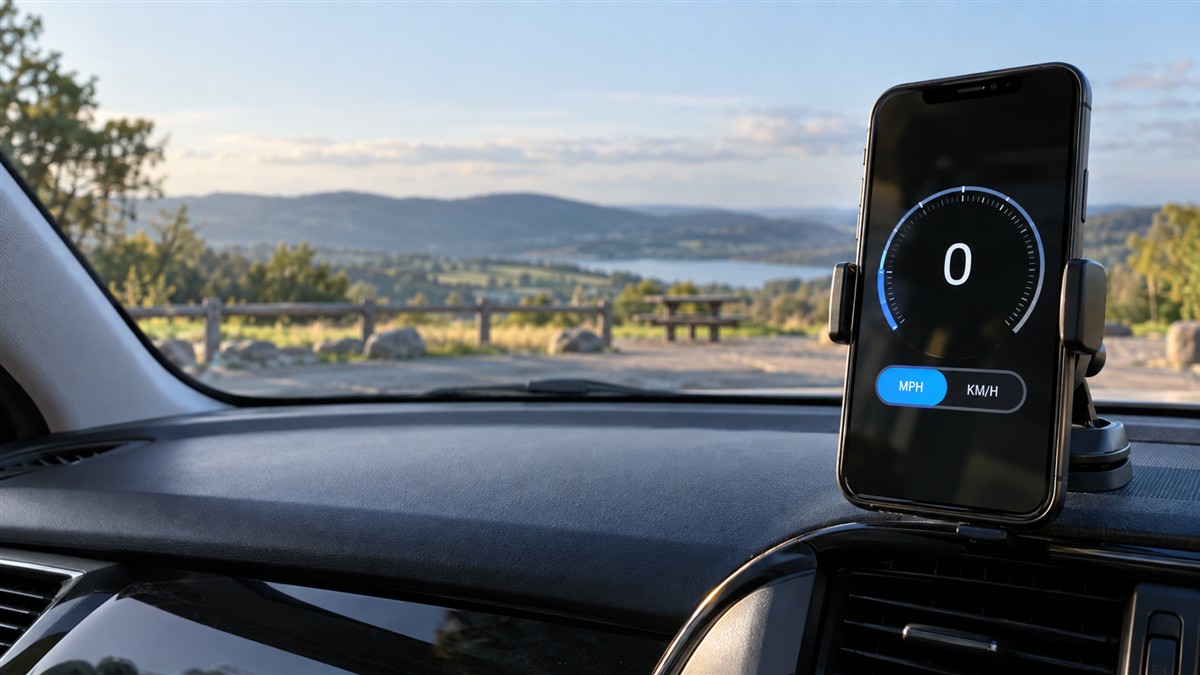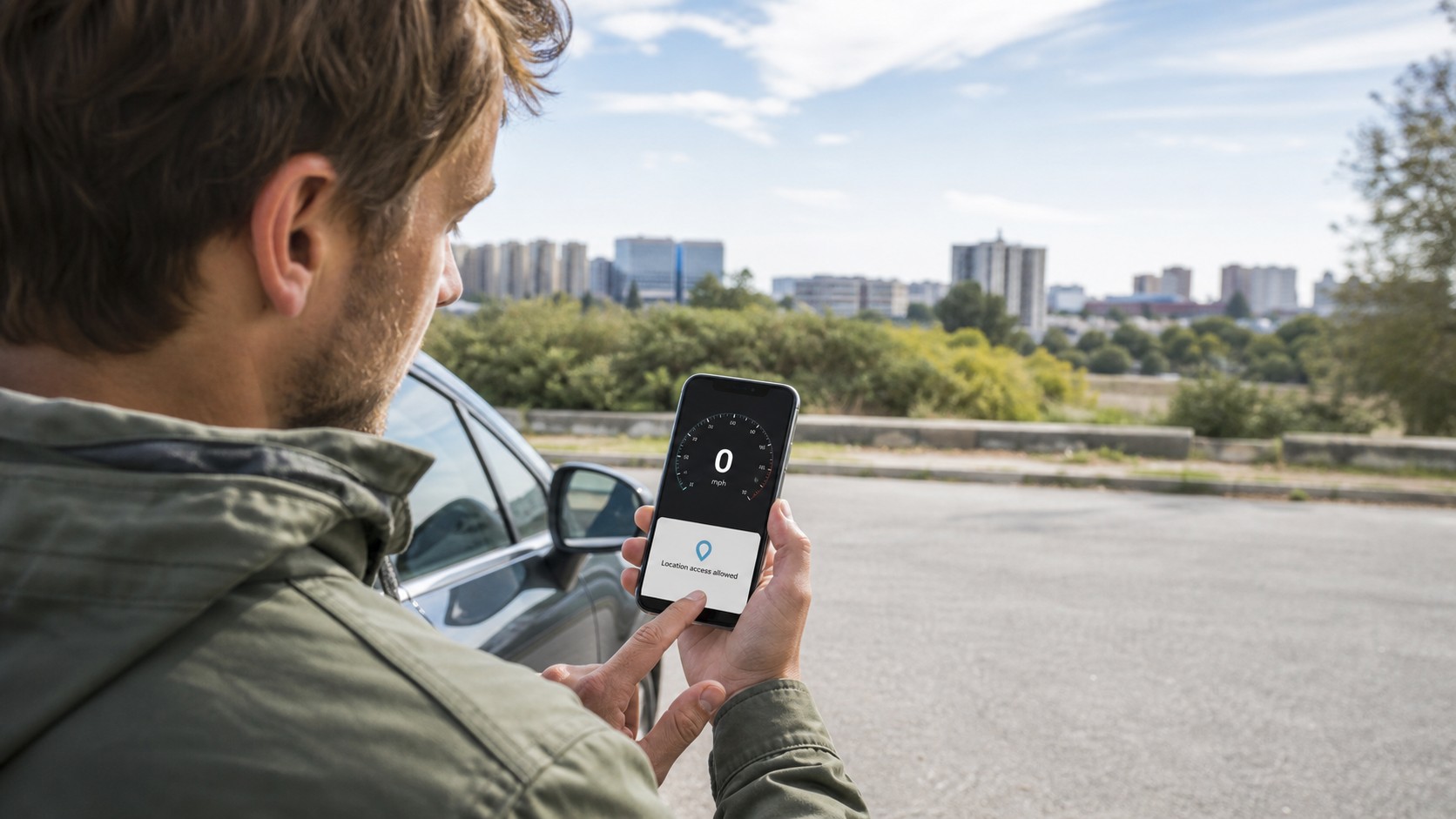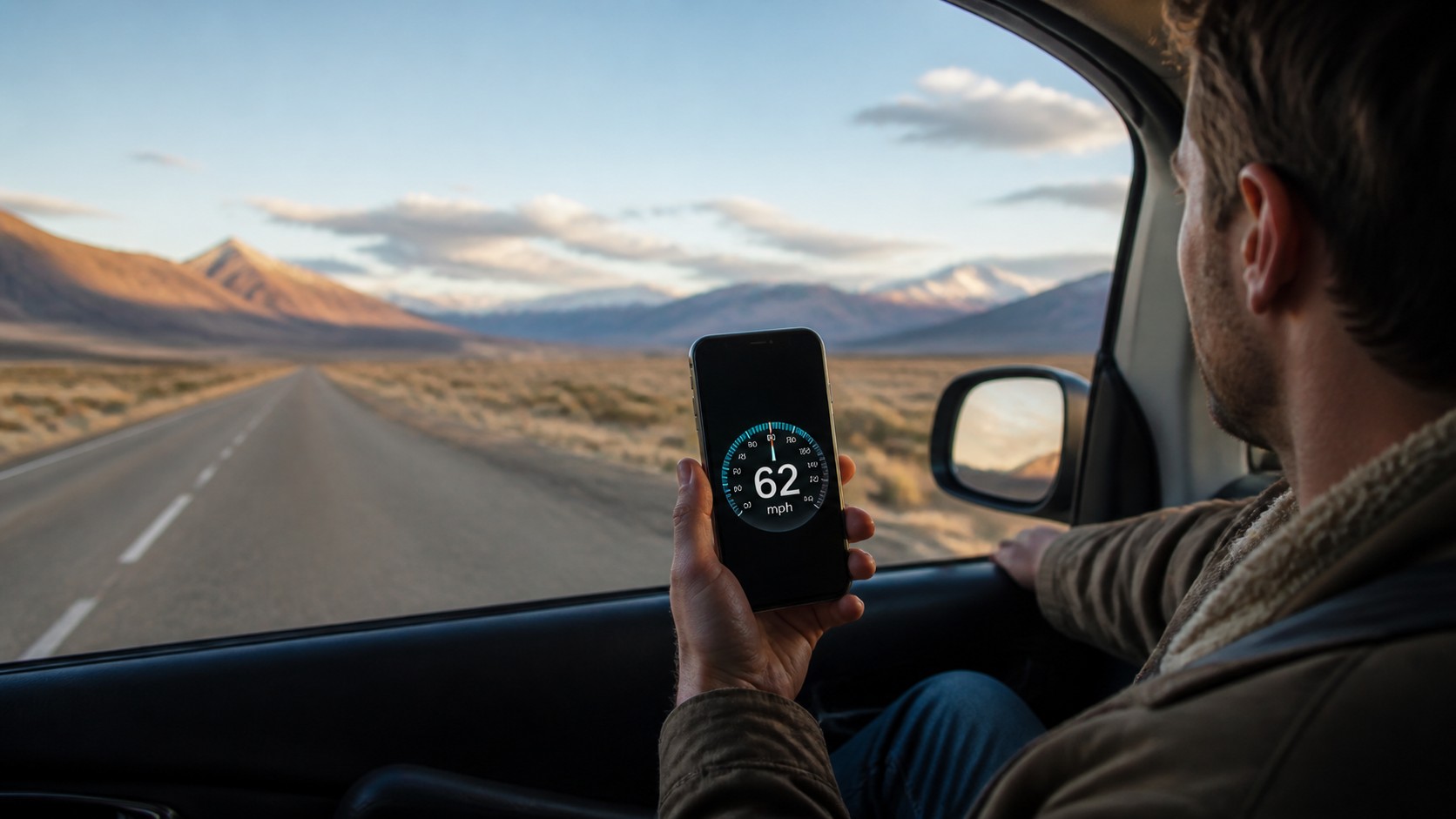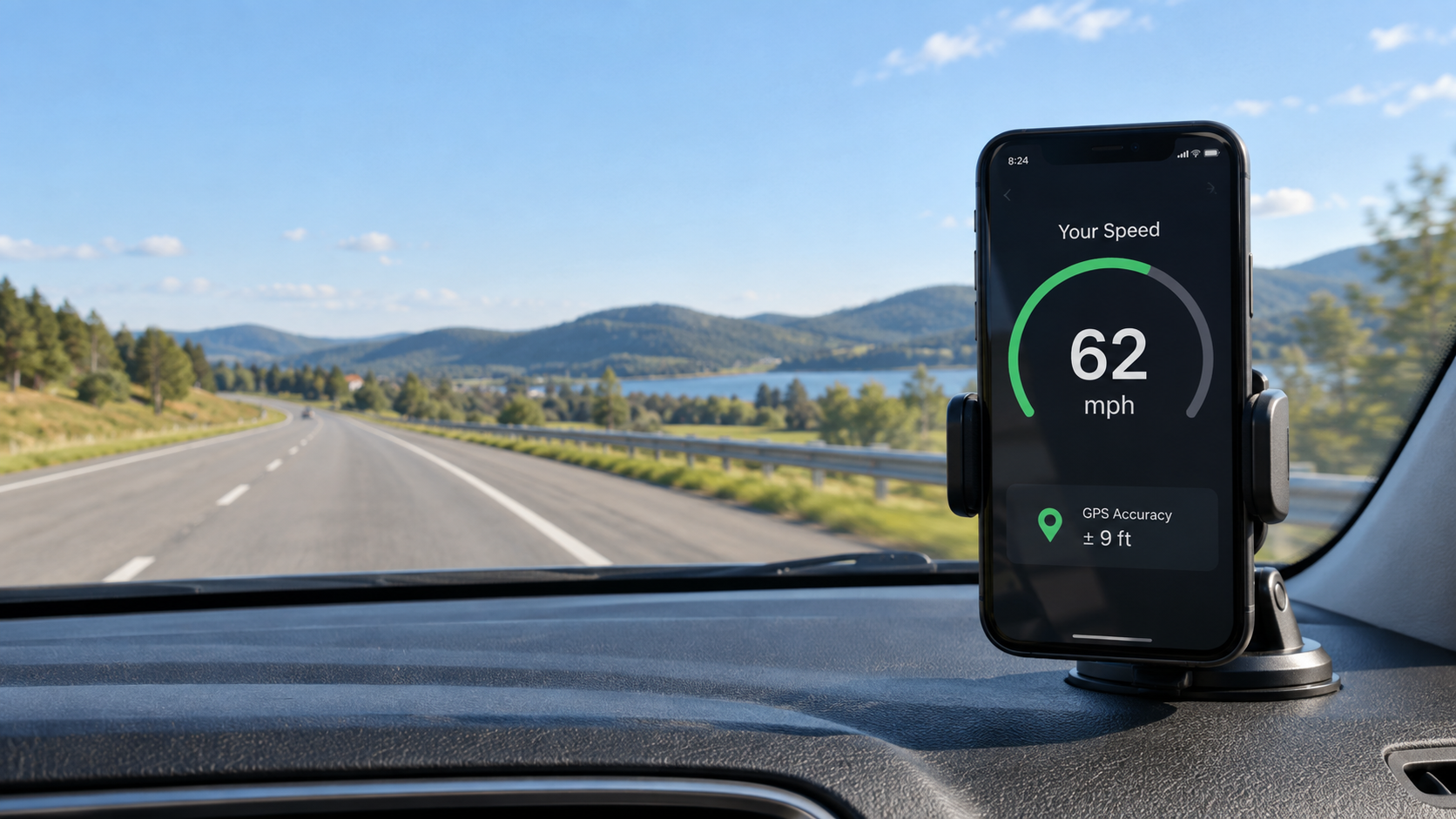
Phone GPS speed accuracy is usually best when you are moving steadily outdoors with a clear view of the sky. At very low speeds, a small amount of location noise can look like a large change in speed. At higher, steady speeds, the reading often settles—but tunnels, tall buildings, weak satellite geometry, battery-saving settings and rapid acceleration can still make it hesitate or jump.
If you want to see how your own phone behaves, open the SpeedyMeter online GPS speedometer, allow precise location, and test from the passenger seat or with the phone secured in a mount. Give it several seconds to acquire a useful fix before judging the number.
Quick answer: is phone GPS speed accurate?
It can be accurate enough for an everyday speed check, but there is no single error figure that applies to every phone and every trip. The satellites are only one part of the system. Your result also depends on the phone's receiver, antenna position, current satellite geometry, signal blockage, reflected signals, operating-system permissions and the way the browser reports location updates.
This distinction matters: a phone can show a broad position accuracy circle while still producing a useful speed value, because modern location systems may estimate velocity using more than simple distance divided by time. Android's own documentation notes that the speed supplied with a location can be more accurate than calculating speed from two consecutive positions, particularly when GNSS Doppler measurements are available.
Why low speeds are the hardest
Imagine that a location fix wanders by a few metres while you are barely moving. Compared with a short walking or slow-cycling distance, that small positional change is significant. The display may briefly move between zero and a few kilometres per hour, or take longer to confirm that you have stopped.
That does not automatically mean the GPS is broken. It means the movement is close to the noise floor of the current fix. Slow readings tend to improve when you:
- move in a consistent direction instead of circling in a small area;
- use the phone outdoors, away from walls and dense tree cover;
- enable precise rather than approximate location;
- wait for several updates before comparing the result;
- avoid covering the phone with metal, a thick bag or the vehicle body.
For walking pace or very slow cycling, look for a stable trend instead of treating every decimal as meaningful. A wheel sensor can be a better reference for repeated low-speed cycling tests because it measures wheel rotation directly.
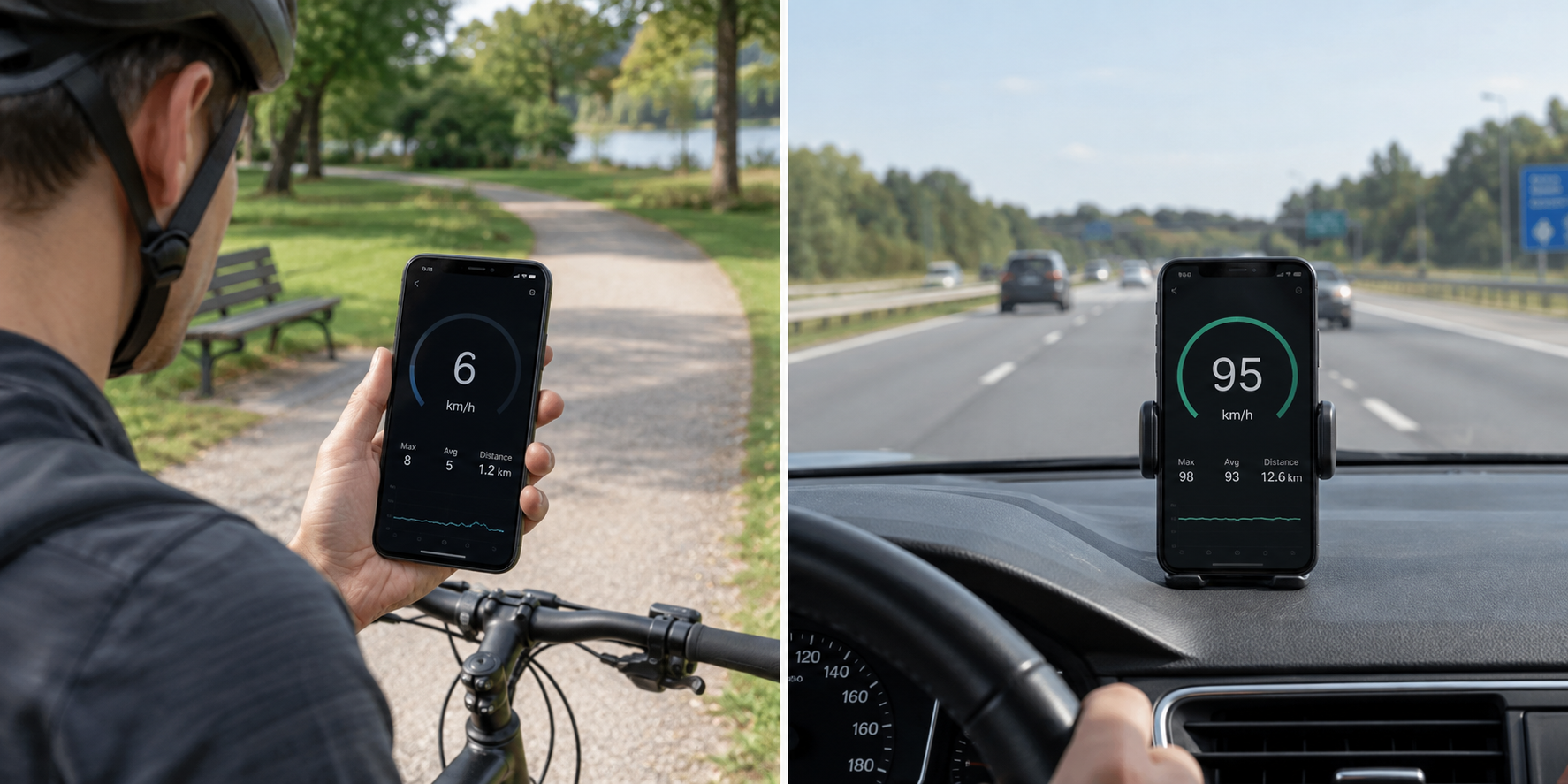
What happens at road and highway speeds?
At a steady road speed, each update contains a clearer motion signal. On an open road, the number will often become calmer after the first few good fixes. This is why a phone may look unreliable while you pull away from a parking space, then agree closely with itself once you are cruising.
Higher speed does not make every reading perfect. Three situations commonly cause confusion:
- Acceleration and braking: the screen updates in steps, so it can trail a rapidly changing real-world speed.
- Tunnels and covered roads: satellite signals may disappear. The last value can freeze, fall to zero or resume only after you leave the obstruction.
- Urban canyons: glass, concrete and narrow streets can block or reflect signals. A reflected signal travels farther than the direct path and can disturb the solution.
The practical lesson is simple: compare readings during a straight, steady section—not during a hard launch, sharp turn or sudden stop.
Speed accuracy is not the same as position accuracy
The “accuracy” number shown by many browsers describes uncertainty around the reported horizontal position. It is not necessarily the error of the speed value itself. Android can expose a separate estimated speed accuracy in metres per second, and Apple Core Location also defines a separate speedAccuracy value.
Not every browser and device exposes that extra field consistently, so a web speedometer may need to judge the quality of a reading from the information it receives. Treat the GPS accuracy indicator as a useful signal-quality warning, not as a promise that the speed is wrong by exactly the same number.
A safe five-minute accuracy test
You do not need special equipment to learn whether your phone is producing stable readings. Use this repeatable test:
- Choose an open route. Avoid tunnels, parking structures and streets between tall buildings.
- Secure the phone. Use a proper mount, or ask a passenger to observe it. Never hold or operate a phone while driving.
- Allow precise location. Approximate permission is intended for general area information, not a live speed test.
- Start early. Open the tool while stationary and wait for the accuracy indicator to improve.
- Hold a steady speed. Compare a calm 15–30 second section rather than one instant.
- Repeat in the opposite direction. Repetition helps expose a one-off weak fix.
Record the average behaviour, not the most dramatic frame. If the phone is consistently stable but differs slightly from the dashboard, read our guide to GPS speedometer accuracy and the explanation of why GPS and a car speedometer can disagree.
Why two phones can show different speeds
Phones do not all use the same GNSS chipset, antenna layout or filtering. One model may support more satellite constellations or dual-frequency signals; another may smooth the display more aggressively. Even two identical phones can behave differently if one has approximate location enabled, is in low-power mode, sits under a coated windshield or has not yet acquired enough satellites.
Browser timing also matters. A speedometer can only update when the operating system supplies a new location. A smoother-looking number is not automatically a more accurate one—it may simply be filtered more heavily.
If the speed jumps, freezes or stays at zero
- Confirm that location access is allowed for the browser and set to precise.
- Move outdoors and wait; an indoor window is not always enough.
- Turn off aggressive battery saving for the duration of the test.
- Keep the browser in the foreground and the screen awake.
- Reload the page after changing permission settings.
- Test another open location before blaming the phone hardware.
If none of those steps helps, follow the full GPS and location troubleshooting checklist.
When should you trust the reading?
Trust it most as an informative live estimate when the signal is stable, the route is open and your speed is not changing rapidly. Do not use a browser speedometer as a certified measuring instrument, for enforcement, racing, aviation navigation or any safety-critical decision. Follow the vehicle's approved instruments and local rules.
For an everyday passenger check, cycling review or train journey, consistency is more useful than a perfect-looking decimal. If the display settles, responds logically when speed changes and repeats on the same route, your phone is probably giving you a useful view of ground speed.
Frequently asked questions
Is GPS more accurate at high speed?
Not automatically, but steady higher-speed movement is easier to distinguish from small position fluctuations. Open sky and consistent motion matter more than speed alone.
Why does GPS show speed after I stop?
The phone may be processing an older update, smoothing recent readings or reacting to location drift. Wait a moment in the open; a stable reading should return to zero.
Can approximate location measure speed?
It may provide some movement information, but it is not suitable for a meaningful live speed test. Enable precise location when the browser offers that option.
Is the dashboard or phone always correct?
Neither should be treated as perfect. Vehicle displays and tyres introduce their own tolerances, while GPS depends on reception and device quality. Compare them only during steady, safe travel.