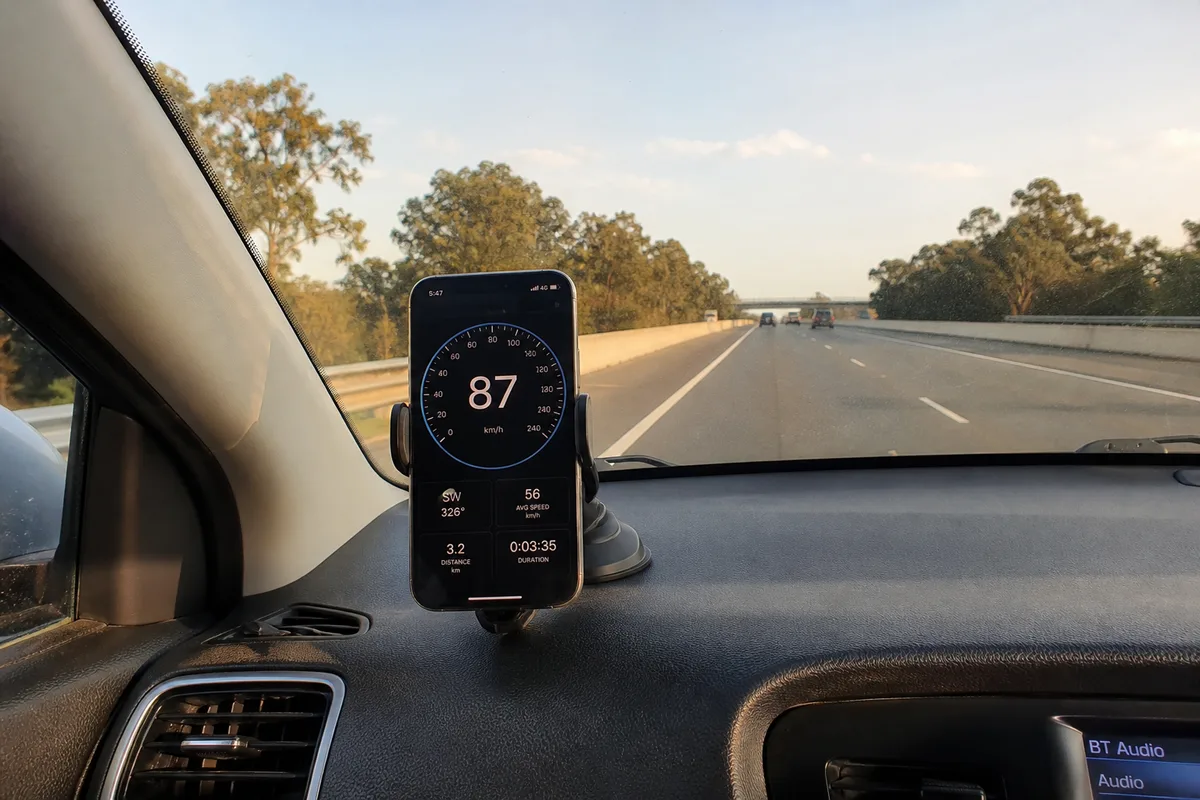
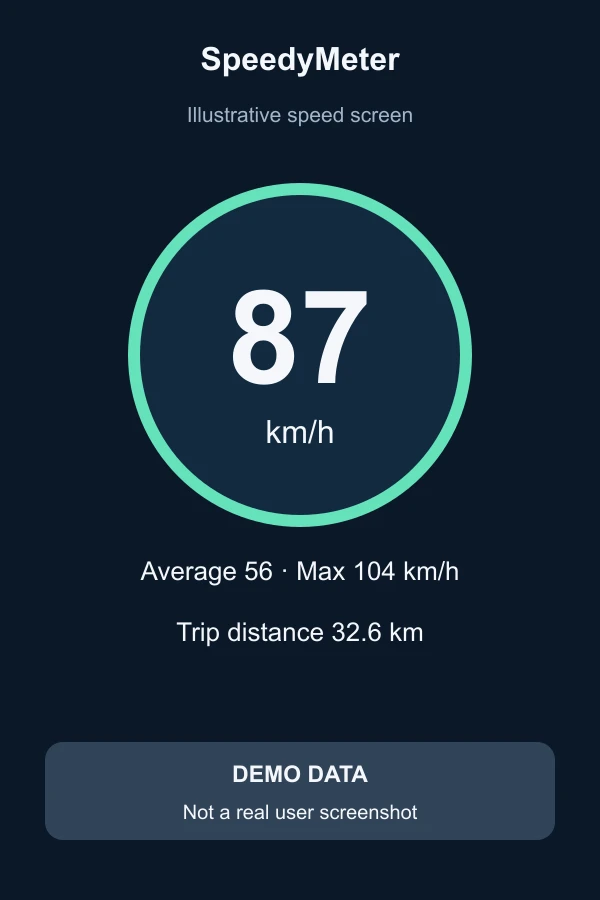
Road-trip passenger example
A passenger photographed the mounted phone and road, then paired it with a separate screenshot.
Create a private speed card, add a photo from your journey, and tell other travelers what the GPS reading was like. Every public submission is reviewed by the SpeedyMeter editorial team.
Open any SpeedyMeter tool, tap Share speed, choose a travel template or classic card, and download a share-ready image. Coordinates and routes are never added.
These three AI-created images are clearly marked examples, not real user submissions or testimonials.
A passenger photographed the mounted phone and road, then paired it with a separate screenshot.
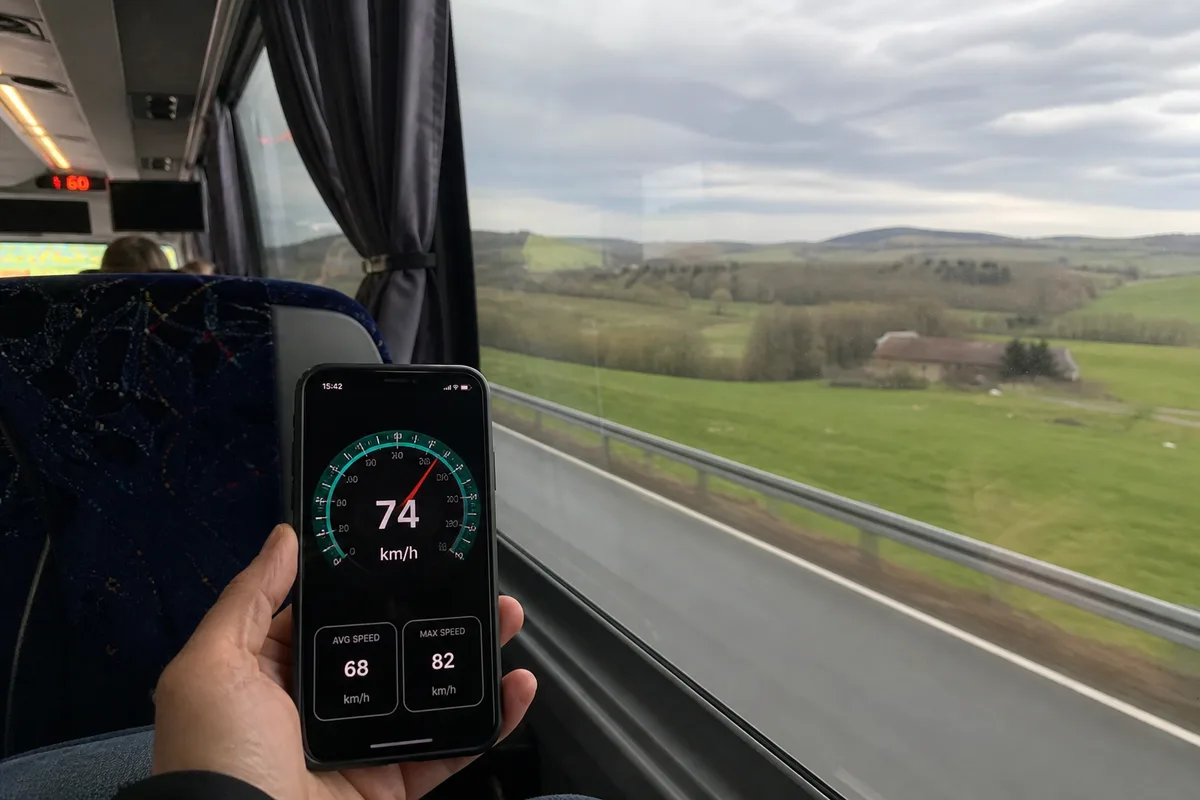
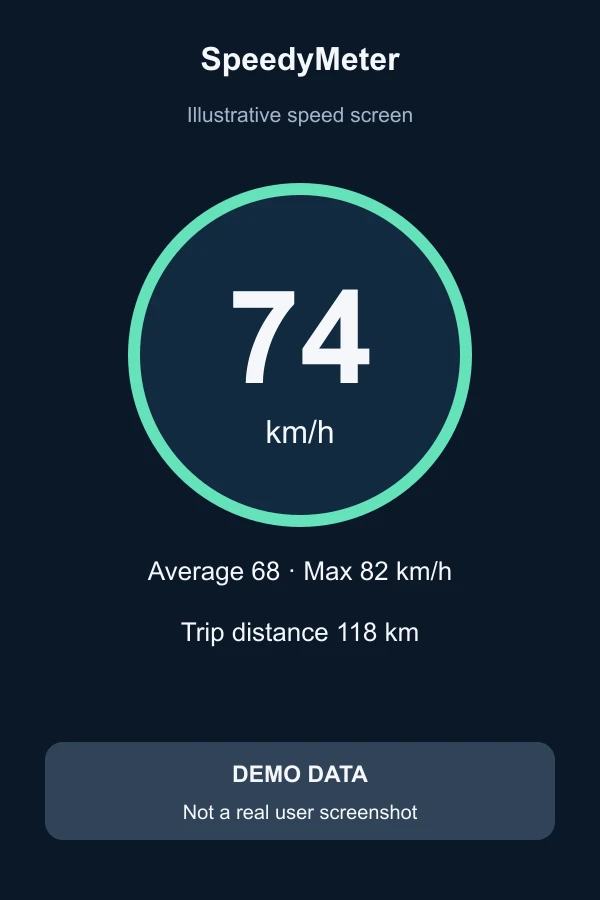
The journey photo was taken safely from a seat and the SpeedyMeter result was captured separately.

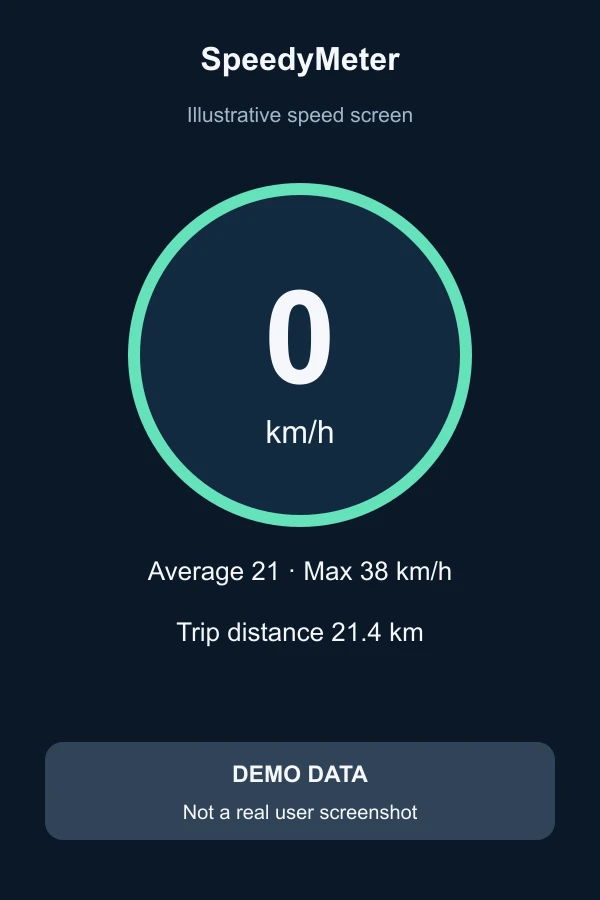
The cyclist stopped before taking a selfie and uploaded a separate post-ride screenshot.
This editorial example is written by the SpeedyMeter team to help visitors share specific, practical details. It is not presented as a customer testimonial.
I tried SpeedyMeter from the passenger seat on a short drive. The speed settled after a few seconds and stayed close to the car dashboard. Switching between km/h and mph was straightforward. On the first attempt, location permission was off; after enabling precise location and stepping outside, the reading appeared normally.

Install SpeedyMeter free for fast, full-screen access to your GPS speedometer.