Yes—a GPS speedometer can work without internet access. Your phone receives timing signals from GPS satellites independently of mobile data or Wi-Fi. The important catch is practical: the speedometer page or app must already be available on the phone, and getting the first location fix can take longer when the device has no network assistance.
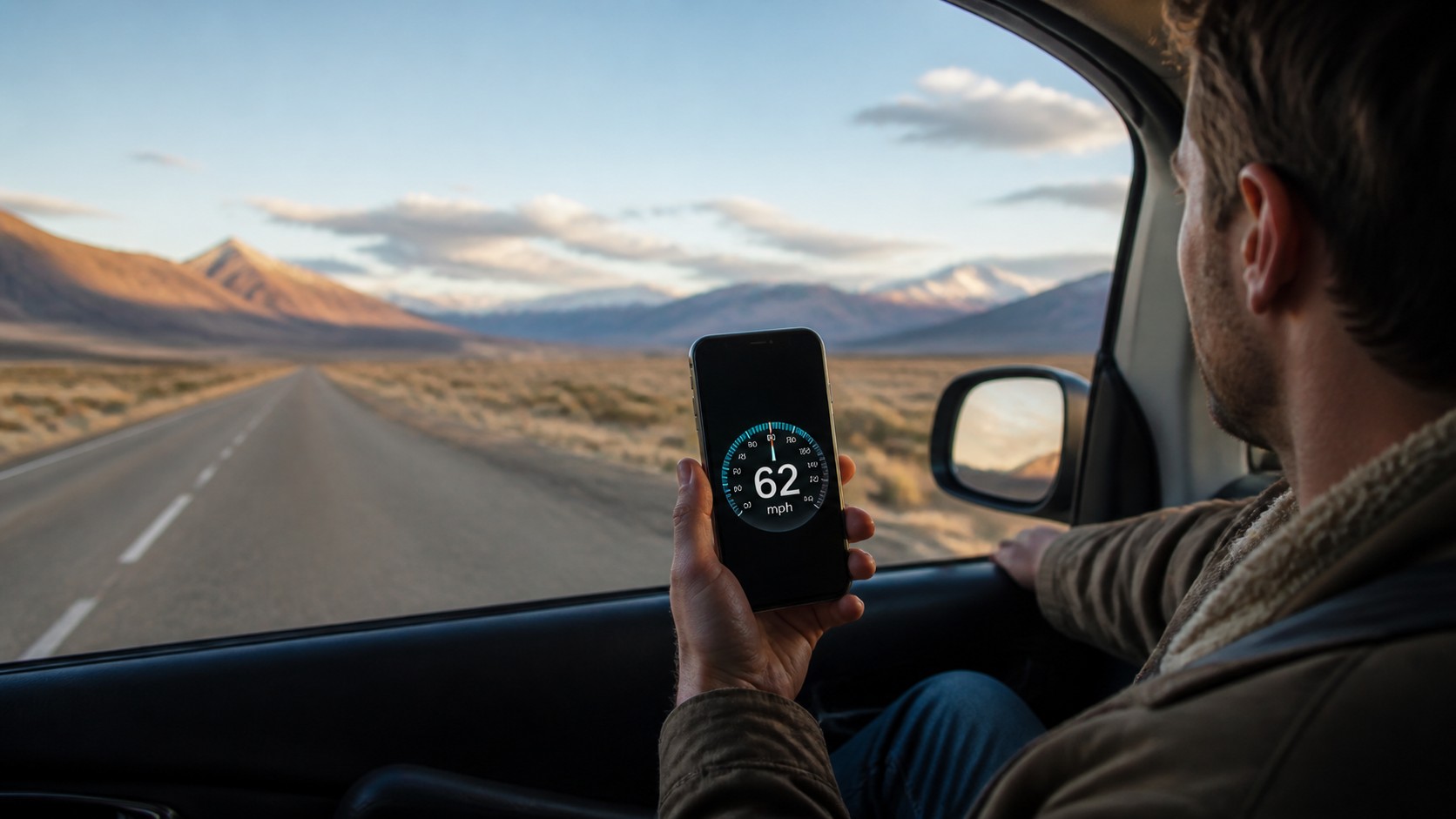
If you are about to drive through a dead zone, board a ferry or take a train across a rural area, open the SpeedyMeter online speedometer before the signal disappears. Tap Start, allow precise location and leave the tab open. Your phone may continue calculating speed even after mobile data drops.

The short answer: GPS and internet are different systems
It is easy to think GPS comes from the internet because maps, traffic and location searches often stop working when a phone goes offline. Those features do need downloaded data. The underlying GPS receiver does not.
A GPS satellite broadcasts a time-stamped radio signal. Your phone listens to several satellites and estimates its position from the tiny differences in arrival time. Once it has a sequence of positions, a speedometer can calculate how quickly the phone is moving across the ground.
Mobile internet can still help. Phones use assisted GPS—often called A-GPS—to obtain satellite information and an approximate starting location more quickly. Without that assistance, the receiver may need more time and a clearer view of the sky. That affects how quickly the first reading appears, not whether GPS satellites exist.
What works offline—and what may not
| Feature | Without internet | What to expect |
|---|---|---|
| GPS satellite reception | Yes | Works where the phone has a usable view of the sky. |
| Current ground speed | Usually | The page or app must already be loaded and location permission granted. |
| Maximum and average speed | Usually | These can be calculated locally during the session. |
| Street maps and place search | Not unless downloaded | Map tiles and search results normally come from a server. |
| Traffic information | No | Live traffic depends on a data connection. |
| Fast first GPS fix | Less reliable | A cold start may take longer without network assistance. |
This is why a phone may show your speed while the map behind it is blank. The two features are using different sources of information.
How to use a phone speedometer without mobile data
- Load the tool while you still have a connection. Open SpeedyMeter and wait for the page to finish loading.
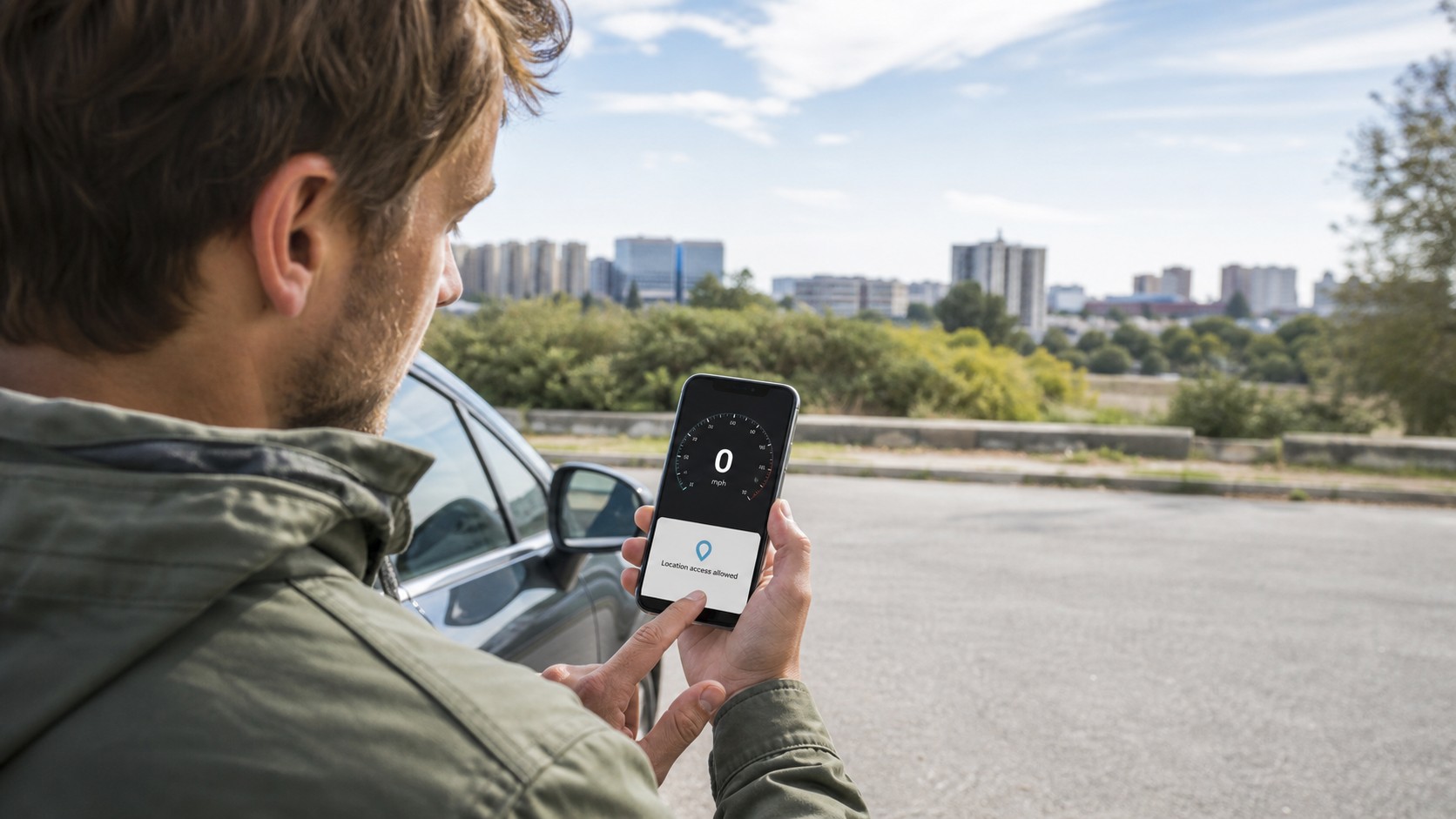
- Allow precise location. Approximate location is intended for privacy-friendly area estimates, not a live speed reading.
- Tap Start before entering the dead zone. An existing GPS fix is easier to maintain than a fresh fix started in a tunnel or building.
- Keep the tab open. Some phones reduce browser activity aggressively when the screen locks or the tab moves to the background.
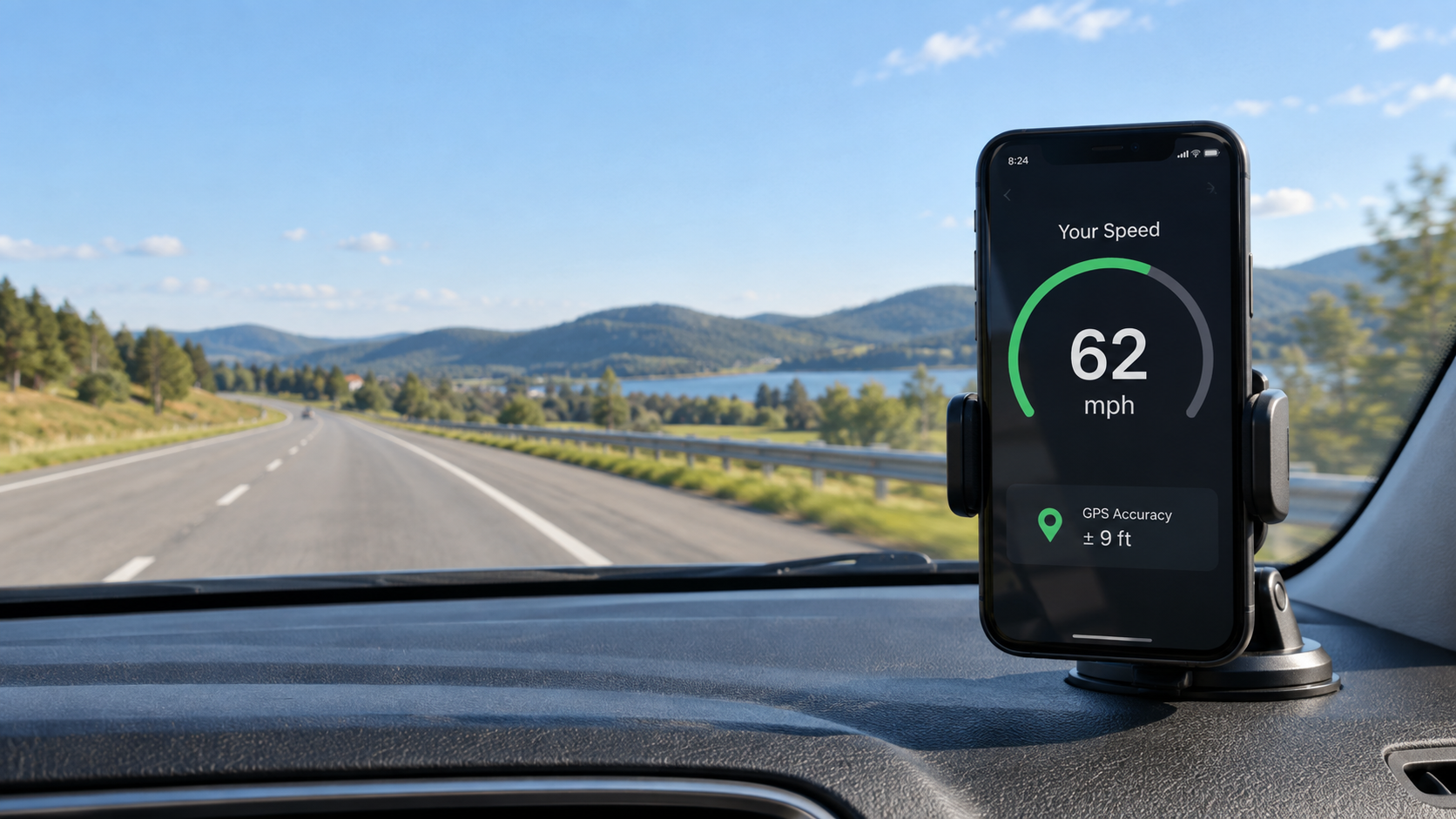
- Use a safe position with open sky. A dashboard mount, window seat or open deck usually gives the receiver a better chance than the bottom of a bag.
If you want a step-by-step setup for Android or iPhone, the guide to checking speed on your phone without installing an app covers browser permissions and the Start button in more detail.
Why an offline speedometer may show zero
Imagine leaving an underground car park with mobile data switched off. You open a speedometer only after reaching the ramp, then see zero for half a minute. That does not prove GPS requires internet. The receiver began with poor satellite visibility and no network assistance, so it is still building its first reliable position.
The common reasons are ordinary:
- the phone is indoors, under a metal roof or inside a tunnel;
- precise location is disabled;
- the browser has no location permission;
- battery saver has limited location updates;
- the phone has just restarted or has not used GPS recently;
- the device is stationary, so zero is the correct result.
Move outdoors, keep the phone still and give it a minute. Do not repeatedly close and reopen the page; that can restart the process you are waiting for.
Does airplane mode turn off GPS?
On many current phones, airplane mode disables cellular radios but still allows location services. You may be able to switch location back on and receive GPS signals while remaining in airplane mode. Behavior varies by device, operating system and airline policy, so test the setting before relying on it.
On a plane, a phone-based tool displays approximate ground speed, not the aircraft's indicated airspeed. Reception is also much weaker away from a window. For a purpose-built layout and knots support, use the flight speedometer only when the crew permits device use.
How accurate is GPS speed without internet?
Disconnecting from mobile data does not automatically make the speed calculation less accurate once the receiver has a solid satellite fix. Accuracy depends more on satellite geometry, signal blockage, reflected signals, receiver quality and how the software smooths short jumps.
Open roads and steady movement usually produce the most useful readings. Dense streets can bounce satellite signals off buildings; mountains can hide part of the sky; coated vehicle glass can weaken reception. A momentary number is less meaningful than several seconds of stable readings.
For a deeper explanation of those limits, read how accurate a GPS speedometer is. The practical takeaway is simple: use phone GPS as an informative travel tool, not as calibrated legal or safety equipment.
Before you travel offline: a two-minute checklist
- Charge the phone; continuous GPS and a bright screen use battery.
- Open the speedometer while Wi-Fi or mobile data is available.
- Grant location permission and confirm that the reading changes outdoors.
- Select km/h, mph, m/s or knots before departure.
- Keep the phone secure and never interact with it while driving.
- Download any maps you will need separately—the speed reading does not provide navigation.
Frequently asked questions
Does GPS need mobile data?
No. A phone can receive GPS satellite signals without mobile data. Network assistance can make the first location faster and maps usually require downloaded content.
Can SpeedyMeter work when Wi-Fi drops?
If the page is already loaded and the browser keeps it available, location-based speed may continue updating. Open it and start GPS before the connection disappears.
Why does GPS work but my map does not?
The receiver can know your coordinates while the phone lacks the map tiles needed to draw roads. Download offline maps separately if you need navigation.
Will removing the SIM card stop GPS?
No. The GPS receiver is separate from the SIM. The first fix may be slower without network assistance, and online services will remain unavailable.
Is an offline GPS speedometer safe to use while driving?
Set it up before moving and secure the phone in a legal, unobstructed position. A driver should not touch or study the screen on the road. Passengers can operate it more safely.