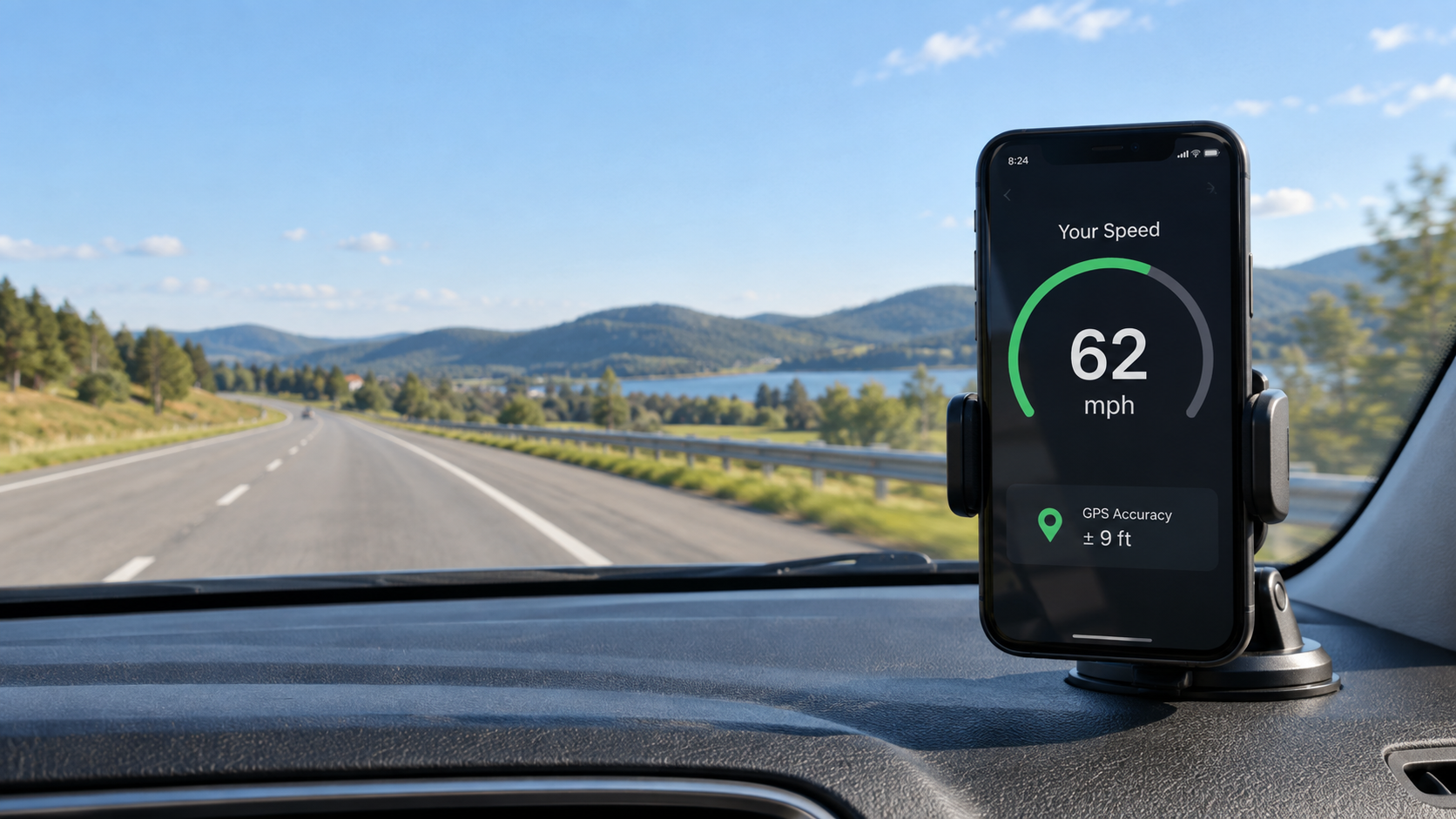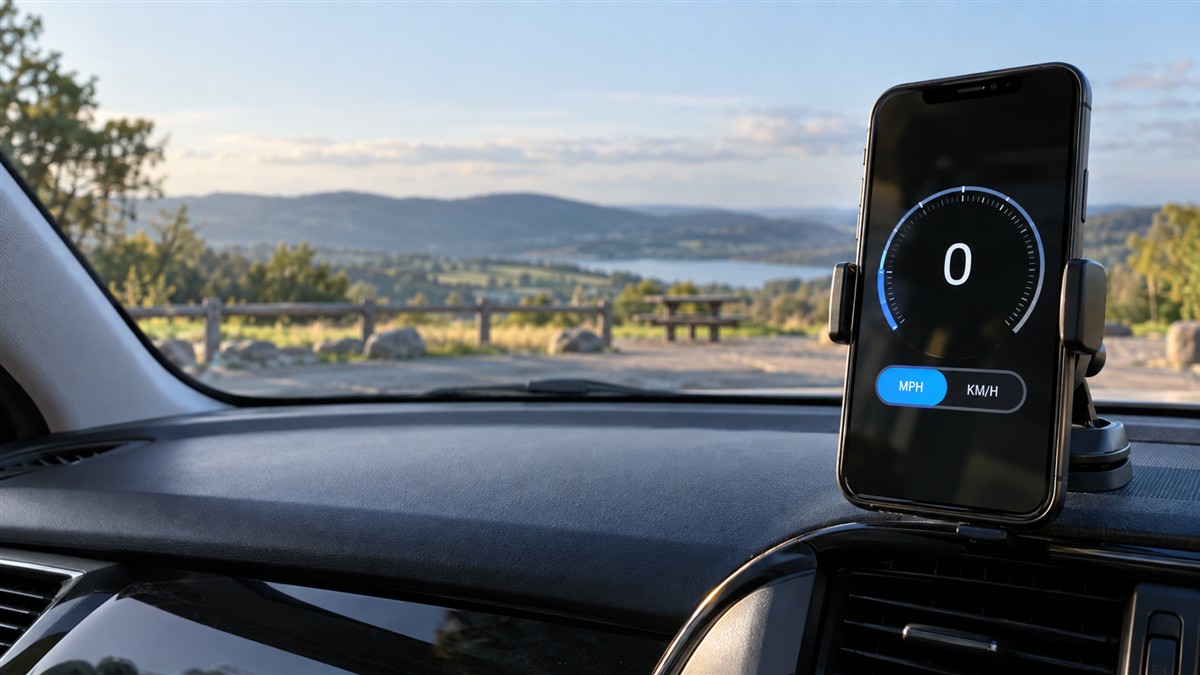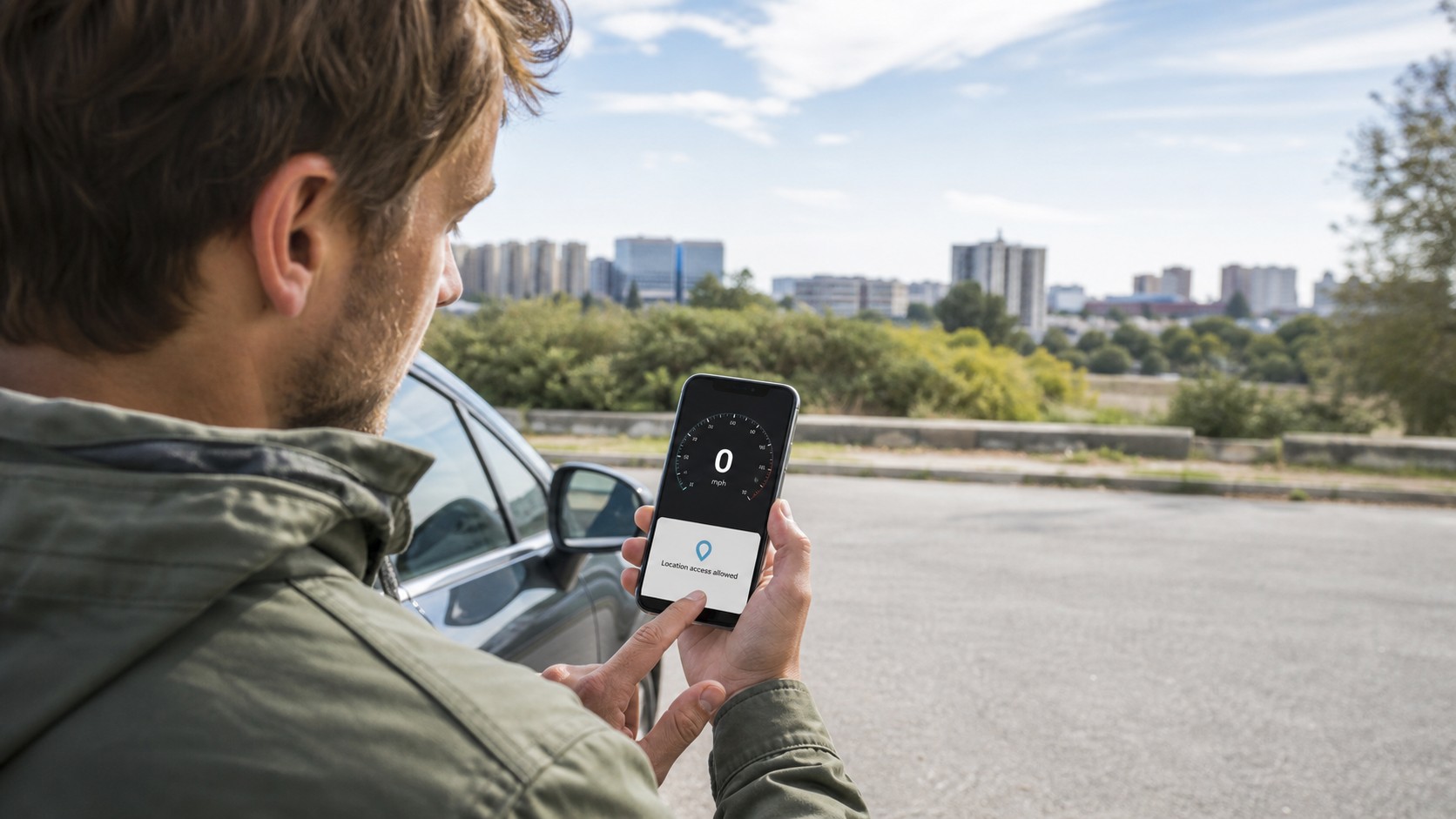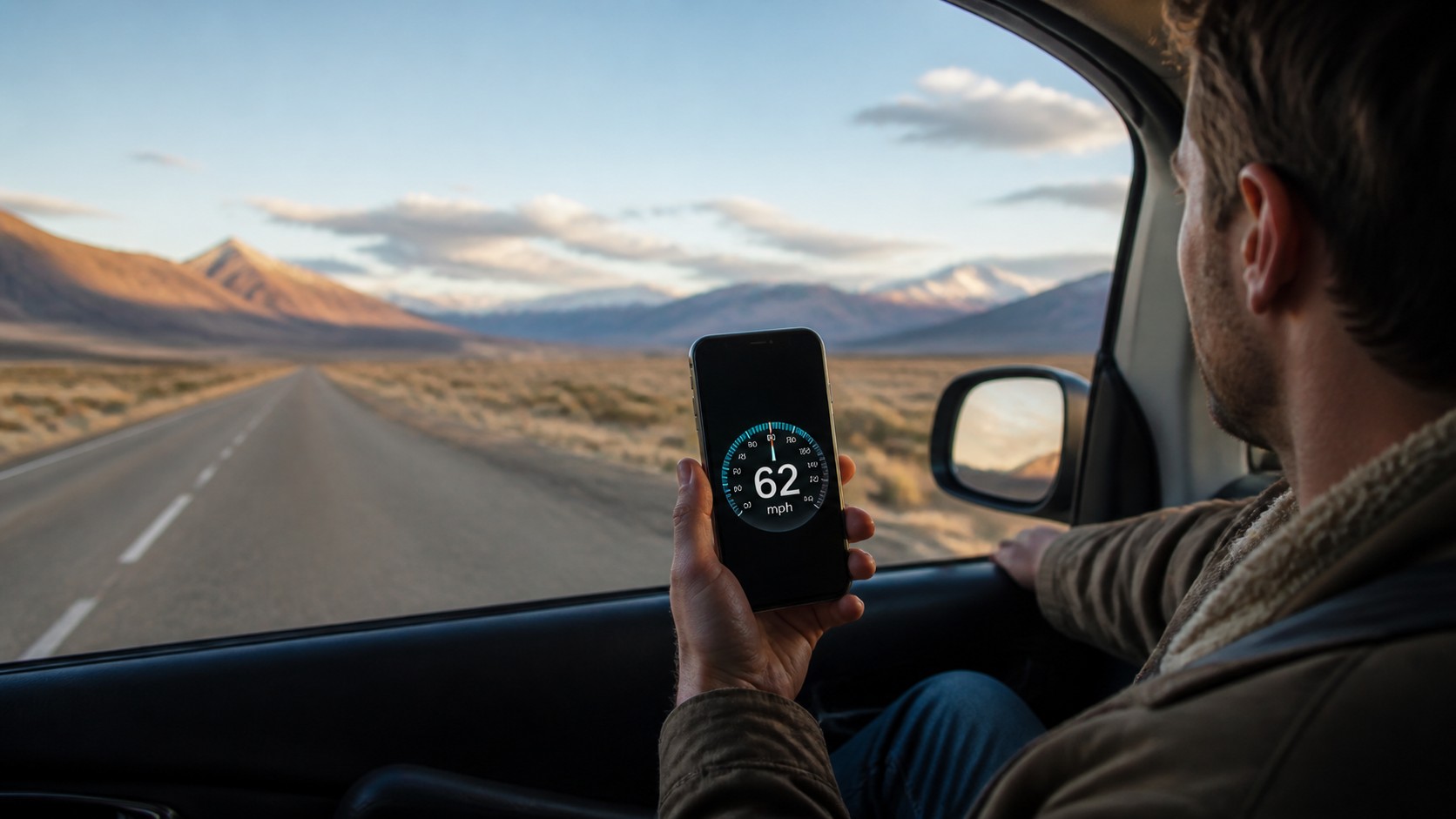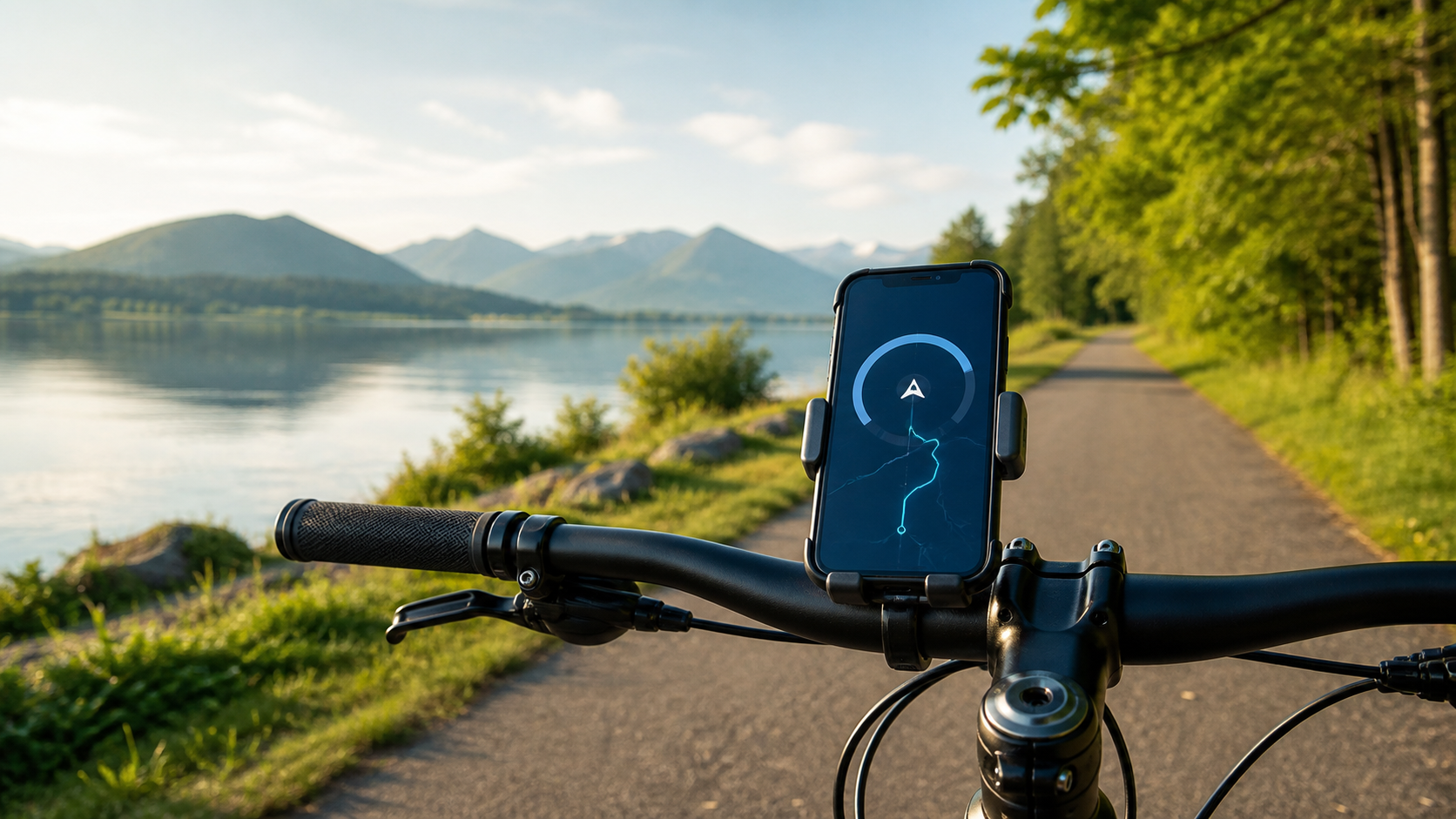
To check your speed on your phone, you do not need to install another app just to answer a simple question: “How fast am I going?” A modern phone can show your live speed in its web browser, whether you are riding a bike, sitting on a train, traveling by bus, or checking a car speedometer.
The setup takes less than a minute. Open an online GPS speedometer, allow location access, choose mph or km/h, and start moving. The phone uses satellite location data to estimate your speed over the ground.
Quick steps: check your speed on your phone
- Open the SpeedyMeter online GPS speedometer in Safari, Chrome, or another modern browser.
- Tap the start button and allow precise location access when your browser asks.
- Select your preferred unit: mph, km/h, m/s, or knots.
- Place the phone in a secure mount or ask a passenger to hold it.
- Move into an area with a clear view of the sky and wait a few seconds for the reading to settle.
There is no account to create and no app-store download. On compatible phones, you can also add the website to your home screen for faster access later.
How can a website measure speed?
Web browsers can request location information through the Geolocation API. The browser—not the website—shows the permission prompt, and you decide whether to allow access. According to MDN, browser geolocation works only in a secure context such as HTTPS and requires the user's permission.
Once location is allowed, the phone receives updated positions and motion data. A speedometer can use those updates to calculate how quickly the device is moving. SpeedyMeter then presents the result as a large digital or analog display and can track maximum speed, average speed, distance, elapsed time, and a speed timeline.
The calculation does not depend on the wheels of a particular vehicle. That is why the same phone can work on a bicycle in the morning and a train in the afternoon.
Where an online speedometer is useful
Cycling: A browser speedometer is a handy option when your bike has no dedicated computer. Mount the phone before the ride, then use the bike speedometer to see current, average, and maximum speed. Keep your attention on the path rather than the display.
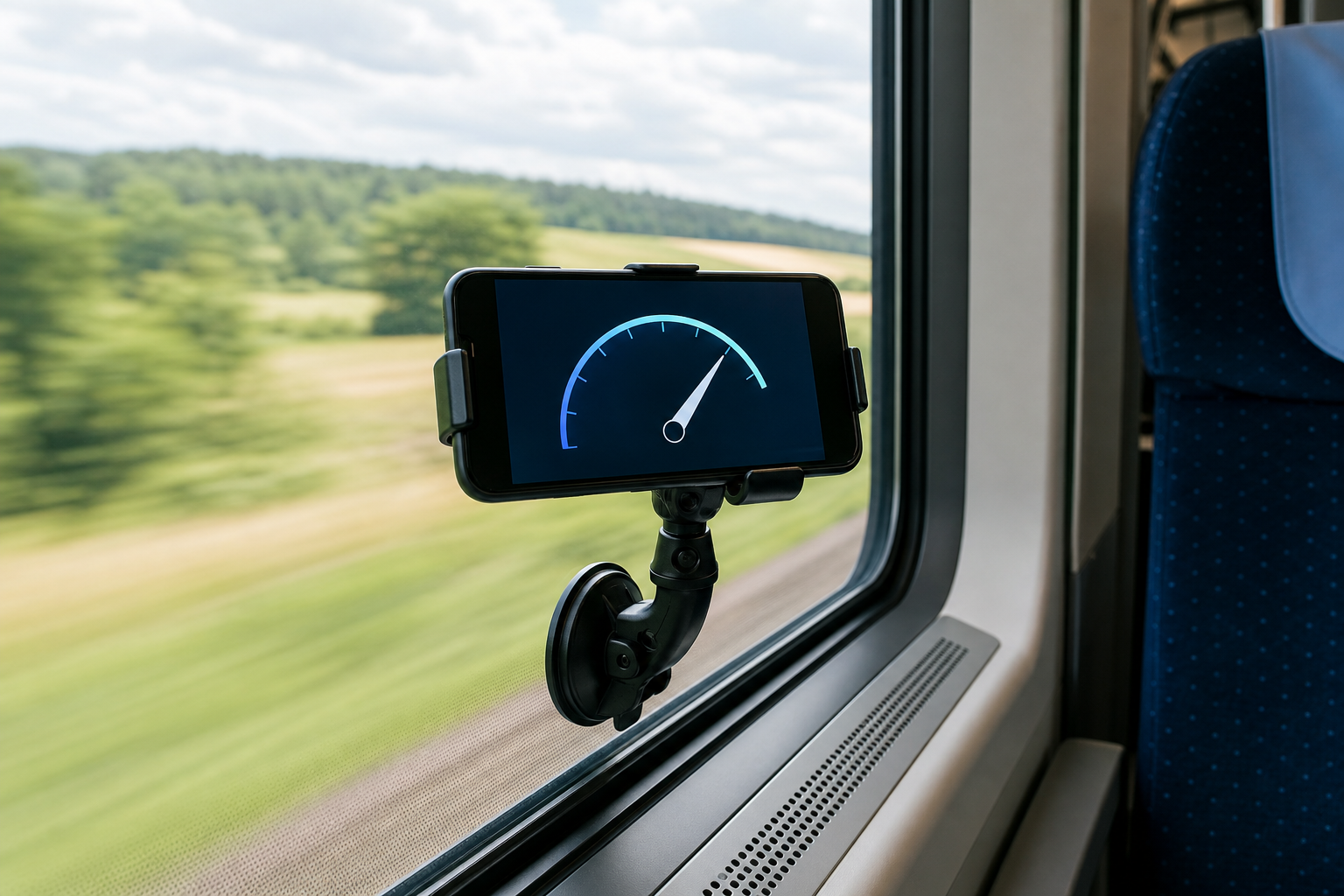
Train travel: Passengers often wonder how fast a train is moving, especially on a long intercity route. The train speedometer can provide an estimate without access to the train's instruments. Reception may fade in tunnels or deep cuttings, so treat sudden zeros as signal loss rather than hard braking.
Driving: A phone can provide an independent comparison when a dashboard reading seems suspicious. Use the car speedometer only with the device secured and never adjust it while driving. A passenger should handle any settings.
Buses, boats, and flights: GPS speed is also interesting as a passenger. Results can vary inside large vehicles, and airline rules always take priority. Do not place a device where it can obstruct equipment or other passengers.
Why does the reading stay at zero?
A zero reading usually means the browser does not have usable location data yet. Work through these checks:
- Confirm that location access is allowed for the browser and for SpeedyMeter.
- Turn on “Precise Location” if your phone offers that setting.
- Move outdoors or closer to a window. GPS is unreliable indoors and underground.
- Disable aggressive battery-saving mode during the test; it may reduce location updates.
- Wait several seconds after opening the page before deciding it is not working.
- Reload the page after changing a permission.
If permission was previously denied, tapping Start may not show the prompt again. Open the site settings from the icon beside the address bar, change Location to Allow, and reload.
How accurate is phone GPS speed?
Accuracy depends heavily on the surroundings. GPS.gov says GPS-enabled smartphones are typically accurate to within about 4.9 meters (16 feet) for position under open sky, while buildings, bridges, and trees can make the result worse. A speed reading is not the same measurement as position accuracy, but both rely on good satellite reception.
For the most stable result, travel at a steady pace on an open, straight route. Do not judge accuracy during the first few seconds, sharp acceleration, or a tunnel. Browser and phone software may smooth the display, creating a short delay when speed changes quickly.
If you want the deeper explanation, read How Accurate Is a GPS Speedometer?
Do you need mobile data?
You need an internet connection to load the website initially. After that, satellite positioning itself is not the same as mobile data, but browser behavior and cached files vary by device. The practical approach is to open SpeedyMeter before leaving coverage. Installing it to the home screen may also make repeat use more convenient.
Do not assume that every feature will continue indefinitely with no connection. Test it before relying on it somewhere remote, and never use a phone speed reading as an emergency or navigation instrument.
Make the display easier to use
Choose the unit before moving and select a view that is readable at a glance. Digital mode is usually simplest; an analog dial gives more visual context, and HUD mode can help in an appropriate fixed setup. Fullscreen reduces clutter, while the keep-awake option prevents the display from sleeping during a short test.
Brightness is a trade-off. A bright screen is easier to read outdoors but drains the battery and can become hot in direct sun. Shade the phone, use a secure mount, and connect power only with a safe cable arrangement.
A sensible safety rule
Set everything up while stopped. Drivers and cyclists should not hold, tap, or study a phone while moving. Follow local laws on phone mounts and device use. A GPS speedometer is a useful reference, not a substitute for the vehicle's instruments, posted limits, or good judgment.
Ready to try it? Open the free online speedometer, grant location permission, and give the phone a clear view of the sky.